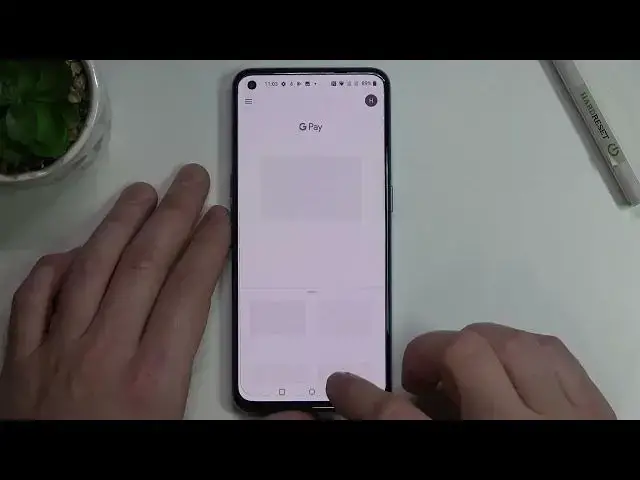

OnePlus Nord CE 5G | How to Add Different Types of Cards to Google Pay
Mar 29, 2024

Check more information about OnePlus Nord CE 5G:
https://www.hardreset.info/devices/oneplus/oneplus-nord-ce-5g/tutorials/
Hi there! If you want to use different cards in the Google Pay app on your OnePlus Nord CE 5G, but you have never added cards to this app before, then don't worry, in this video tutorial our specialist will show you how to do it correctly. After watching this video, you will learn how to enter the settings of the Google Pay application and how to add different types of cards, there so that you can use them in the future and no longer carry physical plastic cards with you. So, open our video tutorial and follow our expert to successfully add multiple cards to your OnePlus Nord CE 5G. For more information visit our HardReset.info YT channel and discover many useful tutorials for OnePlus Nord CE 5G.
How to Add Debit Card to Google Pay on OnePlus Nord CE 5G?
How to Add Credit Card to Google Pay on OnePlus Nord CE 5G?
How to Set Card to Use it in Google Pay App on OnePlus Nord CE 5G?
#CreditCard #DebitCard #OnePlusNordCE5G
Follow us on Instagram ► https://www.instagram.com/hardreset.info
Like us on Facebook ► https://www.facebook.com/hardresetinfo/
Tweet us on Twitter ► https://twitter.com/HardResetI
Support us on TikTok ► https://www.tiktok.com/@hardreset.info
Use Reset Guides for many popular Apps ► https://www.hardreset.info/apps/apps/
Show More Show Less