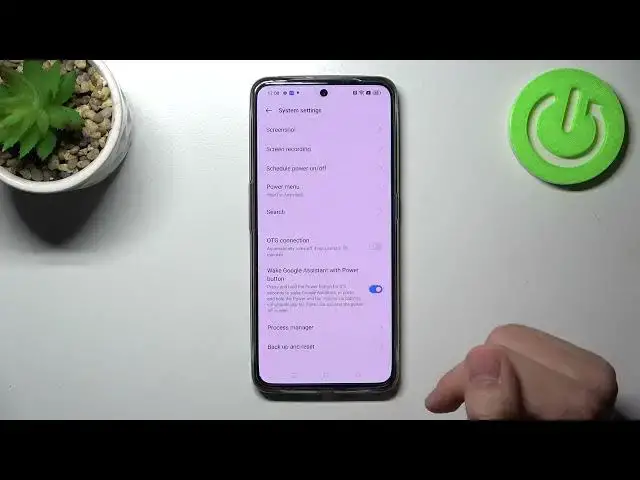

How to Manage Power Button in Realme GT Neo 3 – Link / Unlink Google Assistant
Apr 2, 2024

Learn more info about Realme GT Neo 3: https://www.hardreset.info/devices/realme/realme-gt-neo3/tutorials/
If you’d like to use Google Assistant by using the power button in Realme GT Neo 3, then here we are coming to show you how to do it! In this tutorial, we would like to guide you to the proper section, where you’ll be able to successfully link or unlink the Google assistant with the power button. So let’s follow all shown steps and manage the power button and Google Assistant.
How to attach Google Assistant to power button in Realme GT Neo 3? How to use power button to open assistant in Realme GT Neo 3? How to add functions to power button in Realme GT Neo 3?
#GoogleAssistant #PowerButton #RealmeGTNeo3
Follow us on Instagram ► https://www.instagram.com/hardreset.info
Like us on Facebook ► https://www.facebook.com/hardresetinfo/
Tweet us on Twitter ► https://twitter.com/HardResetI
Support us on TikTok ► https://www.tiktok.com/@hardreset.info
Use Reset Guides for many popular Apps ► https://www.hardreset.info/apps/apps/
Show More Show Less #Science