0:00
Welcome! In front of me I have Hisense LED TV and today I'll show you how can make the
0:11
first setup of this TV. So when you are turned on at the first time here we got
0:16
here we are able to choose the language so of course we are going to pick the
0:21
English. You have to tap OK on your remote control. Next we have to pick our
0:25
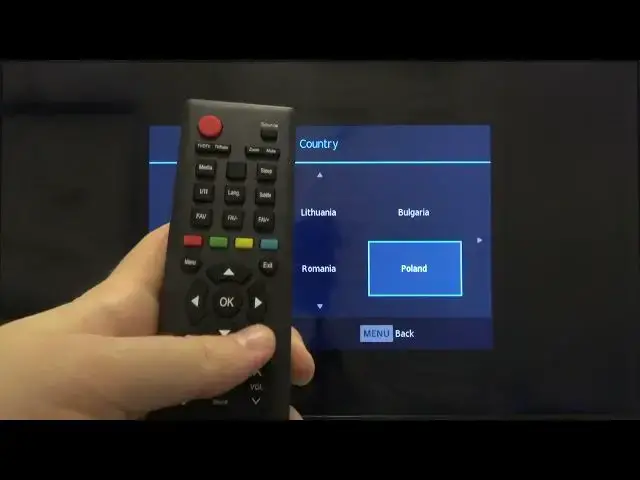
country so we are navigate with arrows as you can see just like that. I'm
0:33
looking for the English. Okay so we can pick for example well I cannot find here the England so we can
0:54
pick it may be Poland. So if you want to choose your country you have to click OK
1:01
and here we can choose that we want to turn on the retail mode so of course we
1:07
don't want so just tap OK by moving on the off and as you can see it's complete
1:13
so it was very simple and very fast so click OK another time to confirm and
1:17
then we can turn in the setup so we can check we can pick the tune type, the
1:26
digital type and we can also move to the dish setup. Of course you are navigate
1:32
with your arrows on the remote control so you can pick what you want. Let's pick
1:37
it like that. If you want to go back just simply tap on the menu button. If you
1:44
want to change the source you have the tab right here and as you can see we got
1:48
few of them. Let's pick the HDMI one for example and as you can see it's finished
1:54
So if you find this video helpful remember to like, comment and subscribe