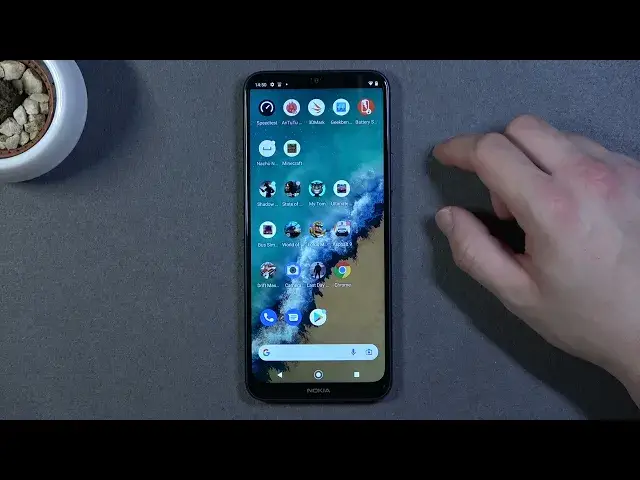

How to Change Camera Storage Location on Nokia G50 – Clear Device Memory
Jul 5, 2024

Check more Info about Nokia G50:
https://www.hardreset.info/devices/nokia/nokia-g50-5g/
Hi there! Have you run out of memory on your Nokia G50 and want to free it up? Photos always take up a lot of space in the phone's memory. Most smartphones have a micro-SD card slot and your Nokia G50 is no exception. However, how to change the photo storage location on Nokia G50? In this video tutorial, we will teach you how you can change the default location of your photos on your Nokia G50, the process is very simple, to learn how to do it, check out our video tutorial. To find more information visit our HardReset.info YT channel and discover many useful tutorials for Nokia G50.
How to Change Default Photo Storage on Nokia G50?
How to Use SD Card as Default Photo Storage on Nokia G50?
How to Set Default Photo Camera Save Location on Nokia G50?
#StoragePath #CameraStorageLocation #CameraSettings
Follow us on Instagram ► https://www.instagram.com/hardreset.info
Like us on Facebook ► https://www.facebook.com/hardresetinfo/
Tweet us on Twitter ► https://twitter.com/HardResetI
Support us on TikTok ► https://www.tiktok.com/@hardreset.info
Use Reset Guides for many popular Apps ► https://www.hardreset.info/apps/apps/
Show More Show Less #Science