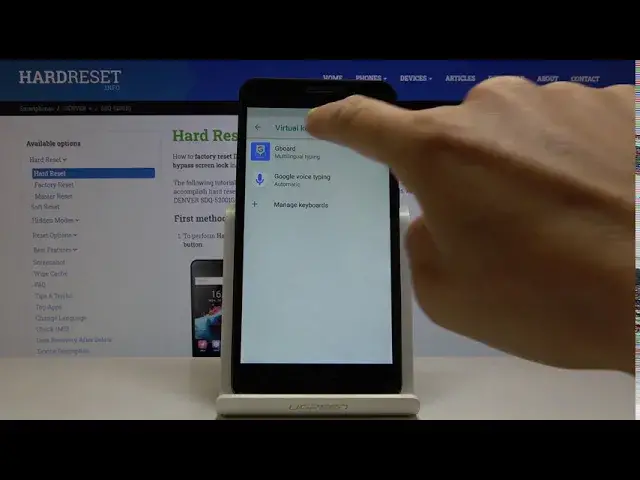

DENVER SDQ-52001G and Keyboard Options - Auto-Correction Feature
Apr 30, 2024

Learn more info about DENVER SDQ-52001G: https://www.hardreset.info/devices/denver/denver-sdq-52001g/
Our experts have created a special tutorial for those who don't know how to use the Auto-Correction feature, which can be activated in the Keyboard Settings on your DENVER SDQ-52001G. This great option will correct your mistakes in the text, suggesting the right spelling of words. In order not to lose our channel in the YouTube video stream and easily find answers to other questions, you should probably subscribe to our channel!
How to Activate Auto-Correction in DENVER SDQ-52001G? How to Use Auto-Correction Text Option on DENVER SDQ-52001G? How to Turn on Text Autocorrect in DENVER SDQ-52001G? How to Turn off Text Autocorrect in DENVER SDQ-52001G? How to Open Text Correction Options in DENVER SDQ-52001G? How to Enable Keyboard Autocorrection Option on DENVER SDQ-52001G? How to Find Text Correction Options in DENVER SDQ-52001G? How to Check typos in the text on DENVER SDQ-52001G? How to Correct Text Automatically on DENVER SDQ-52001G?
Follow us on Instagram ► https://www.instagram.com/hardreset.info/
Like us on Facebook ► https://www.facebook.com/hardresetinfo/
Tweet us on Twitter ► https://twitter.com/HardresetI/
Show More Show Less #Science