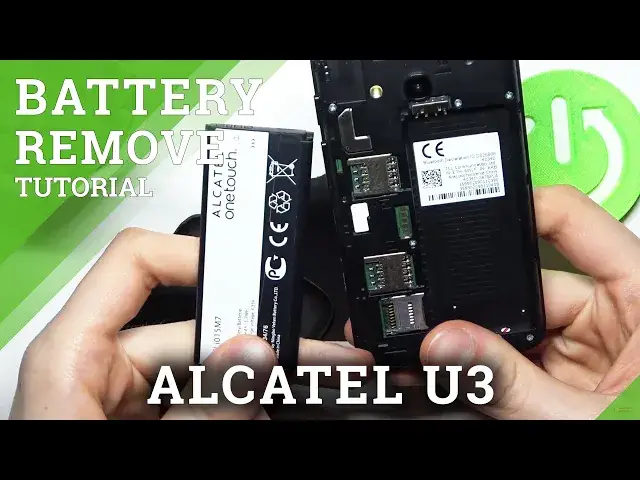

How to Remove Battery From ALCATEL U3 – Open Back Cover
Jul 11, 2024

Learn more info about ALCATEL U3:
https://www.hardreset.info/devices/alcatel/alcatel-u3-2018/
If your ALCATEL U3 is frozen and you cannot do anything on it, the easiest solution is to restart this device. If you want to do this, the quickest way is to remove the battery and insert it back and restart the ALCATEL U3. Open the attached tutorial and see how to easily remove the battery from the ALCATEL U3.
How to Remove Battery from ALCATEL U3? How to Open Back Cover in ALCATEL U3? How to Open Back Cover and Remove Battery from ALCATEL U3? How to Easy Remove Battery from ALCATEL U3? How to Make a Soft Reset in ALCATEL U3? How to Soft Reset ALCATEL U3?
#RemoveBattery #OpenBackCover #ALCATELU3
Follow us on Instagram ► https://www.instagram.com/hardreset.info
Like us on Facebook ► https://www.facebook.com/hardresetinfo/
Tweet us on Twitter ► https://twitter.com/HardResetI
Support us on TikTok ► https://www.tiktok.com/@hardreset.info
Use Reset Guides for many popular Apps ► https://www.hardreset.info/apps/apps/
Show More Show Less #Science