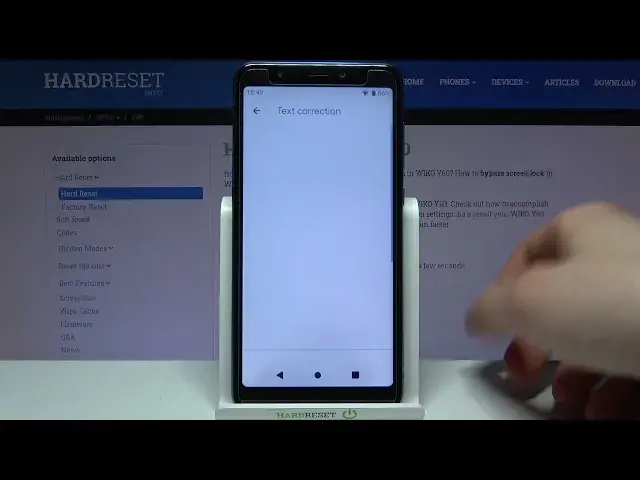

How to Enable Autocorrection on WIKO Y60 – Turn On Autocorrection
Jul 11, 2024

Learn more info about WIKO Y60:
https://www.hardreset.info/devices/wiko/wiko-y60/
We will show you how to enter keyboard settings on your WIKO Y60 and how to find all text correction options. Follow our steps and easily activate auto-correction on your WIKO device. Thanks to this, all linguistic mistakes and typos will be automatically corrected. If you are looking for more tips for your WIKO Y60 - go to our YouTube Channel and watch tutorials prepared by our team.
How to activate auto correction in WIKO Y60? How to use auto correction in WIKO Y60? How to turn on auto correct in WIKO Y60? How to turn off auto correct in WIKO Y60? How to switch from auto correct to normal keyboard in WIKO Y60? How to enable auto correction in WIKO Y60? How to switch off auto correction in WIKO Y60? How to use text correction option on WIKO Y60? How to activate text correction option on WIKO Y60? How to use text correction on WIKO Y60? How to adjust text correction on WIKO Y60?
#Autocorrection #TextCorrectionOptions #WIKOY60
Follow us on Instagram ► https://www.instagram.com/hardreset.info
Like us on Facebook ► https://www.facebook.com/hardresetinfo/
Tweet us on Twitter ► https://twitter.com/HardResetI
Support us on TikTok ► https://www.tiktok.com/@hardreset.info
Use Reset Guides for many popular Apps ► https://www.hardreset.info/apps/apps/
Show More Show Less #Science