0:00
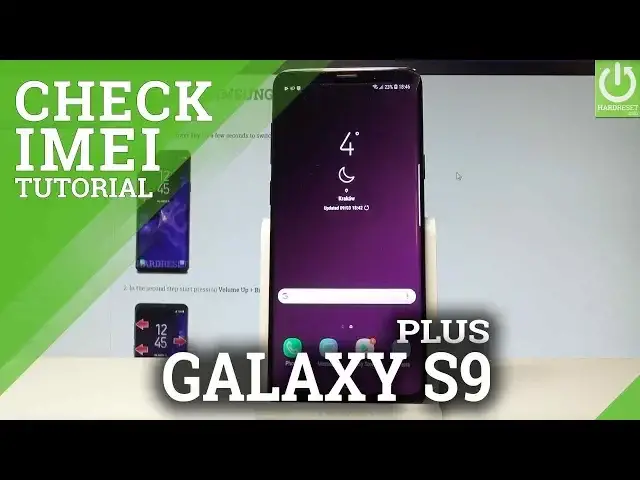
Here I have Samsung Galaxy S9 Plus and let me show you how to check email and serial
0:09
number on the following device. At the very beginning let me show you how to do it by using a secret code
0:14
So let's open the phone's dialer. Let's activate the keypad and let me enter the following secret code
0:19
Asterix hash 06 hash. As you can see the email and serial number just pops up
0:26
You may also use the barcode to this number. Let's tap OK to close this, let's go back by using the back key and if you would like
0:32
to you can have access to this numbers by using the settings
0:36
So let's open the list of all applications, choose settings, scroll down and here let
0:40
me tap about phone. From the following options you can read the email number right here and serial number
0:48
You may also here choose status and by using status options you can read the serial number
0:55
the wifi MAC address, IP address and also the email information right here
1:00
So that's it, you can read all of this information just by using your device
1:04
Thank you for watching, please subscribe our channel, leave thumbs up under the video