0:00
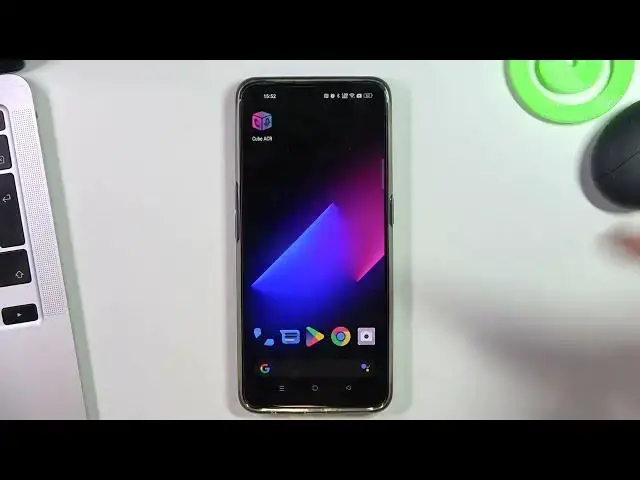
Hi, welcome to Hard Reset Info Channel, the viewers in front of me are Realme 9 Pro Plus device
0:06
and now I gonna show you how to record calls on this phone. So firstly if you live in India or not in Europe or USA
0:19
so you can just open your phone application and click on this 3 dots button and click settings
0:28
and here under the block numbers you will see call recording features
0:34
feature but the laws of United Kingdom, of European Union, of United States and other countries
0:48
not all countries, I know that in Ukraine, Ukraine laws prohibits to activate this feature too
0:57
so in the list of countries this feature is blocked so if in your country this feature is unavailable like in my country
1:12
so we need to use third party applications so I suggest to use CubeACR, CubeACR works really stable
1:25
just find CubeACR, Cube automatically call recorder click install click open
1:40
click next, grant permissions while using the app allow, allow, allow enable app connector
1:48
find here CubeACR app connector click CubeACR app connector, enable, allow ok, go it
1:59
you need to provide access to the background work so click allow
2:06
you don't need to provide location access go it, you can pay for premium features but we don't need these features to record calls
2:15
great, and that's it now if your phone has lock feature you need to lock your CubeACR here
2:25
so just click on this relines button or if you are using gestures you need to swipe from up to down
2:34
and here you will see your CubeACR click on this two dots button and choose lock great
2:44
you have locked this Cube and if you will close all applications
2:51
you will not close Cube automatically call recorder feature so now all your calls will be automatically recorded
2:59
but you need to remember that this program, this application will record the sound from your microphone
3:09
so if you want to record your voice and voice of your communication partner
3:18
you need to install RudaXS or just enable speaker mode, loud mode when calling
3:32
in this way your microphone will pick up your voice and voice of your communication partner
3:39
that's it, thanks for watching, like this video, subscribe to the AVA channel and bye, see you
3:47
AVA is an international, non-profit, non-governmental organization based in the United States
3:52
It is responsible for helping to promote good communication and to ensure that people have access to quality content