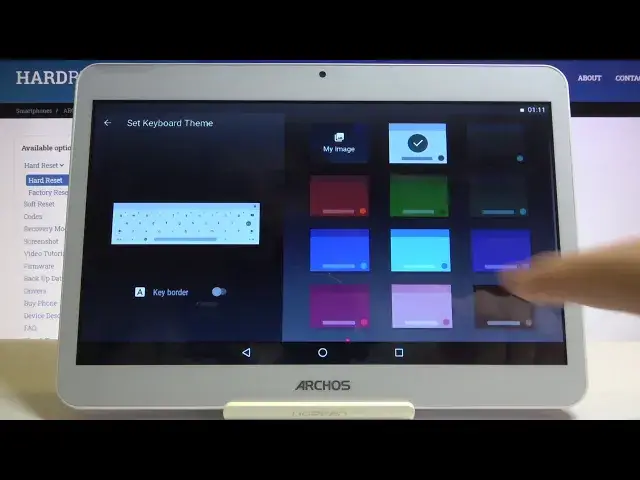

How to Choose Keyboard Theme in Archos Core 101 3G – Change Keyboard Look
Apr 25, 2024

Explore Archos Core 101 3G: https://www.hardreset.info/devices/archos/archos-core-101-3g/
Who doesn’t like his smartphone interface aesthetic? Well, we like even our keyboard looking good. If you are looking for a method to change the keyboard theme, Hardreset.Info has something prepared for you in the tutorial above. It’s simple to check all available designs and then choose something nice for you. Make Archos Core 101 3G keyboard creative and fun to use, we will help you with that in minutes. Watch the video right now!
How to change keyboard theme in Archos Core 101 3G? How to refresh keyboard theme in Archos Core 101 3G? How to personalize keyboard theme in Archos Core 101 3G? How to change theme in Archos Core 101 3G? How to customize keyboard in Archos Core 101 3G?
Follow us on Instagram ► https://www.instagram.com/hardreset.i...
Like us on Facebook ► https://www.facebook.com/hardresetinfo/
Tweet us on Twitter ► https://twitter.com/HardresetI/
Show More Show Less #Science