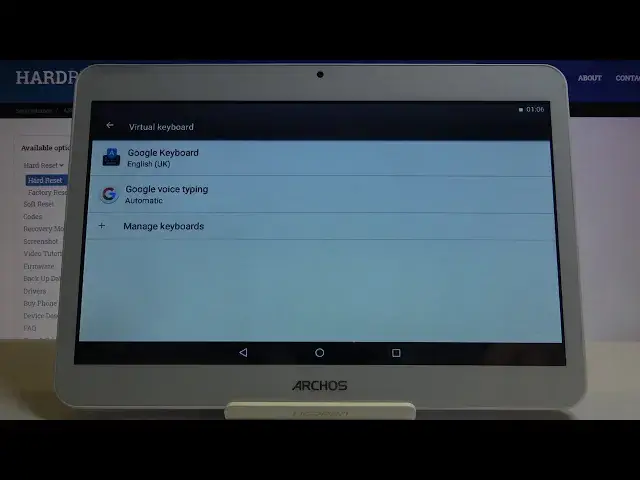

How to Manage Auto Correction on Archos Core 101 3G – Spelling Correction Option
Apr 25, 2024

Go see Archos Core 101 3G: https://www.hardreset.info/devices/archos/archos-core-101-3g/
Thank you for choosing specifically our tutorial, we are glad to see you on Hardreset.Info channel. If you want to find our how to stop making mistakes while typing and sending messages to someone, this video is dedicated to this topic. Start using auto correction feature and you will be able to get your spelling fixed in the process. Are you interested? Please watch our expert enabling or disabling auto option feature in few simple steps.
How to activate auto correction in Archos Core 101 3G? How to use auto correction in Archos Core 101 3G? How to turn on autocorrect in Archos Core 101 3G? How to remove suggested words in Archos Core 101 3G? How to turn autocorrect off in Archos Core 101 3G?
Follow us on Instagram ► https://www.instagram.com/hardreset.info
Like us on Facebook ► https://www.facebook.com/hardresetinfo/
Tweet us on Twitter ► https://twitter.com/HardResetI
Show More Show Less #Science