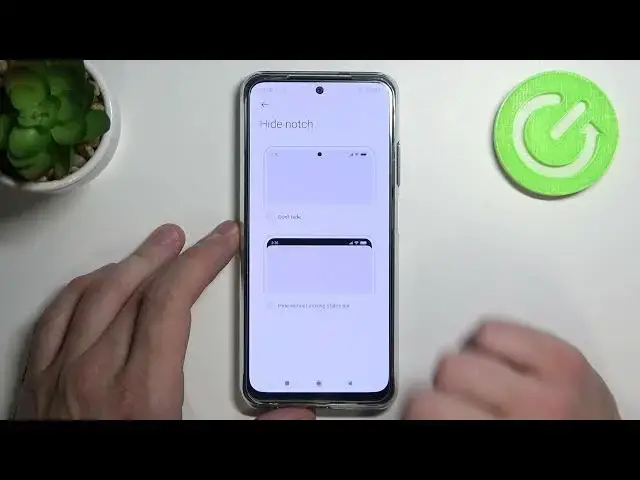

How to Hide Notch on XIAOMI Redmi Note 10S - Hide Notch on Status Bar
Jul 6, 2024

Find out more info about XIAOMI Redmi Note 10S:
https://www.hardreset.info/devices/xiaomi/xiaomi-redmi-note-10s/
Open this tutorial if you do not want the notch to be visible on your XIAOMI Redmi Note 10S. We will show you how to easily hide the notch on the status bar in the XIAOMI Redmi Note 10S. Follow our instructions, go to the status bar settings and then use the slider to turn off the visibility of the notch on the status bar. If you are looking for more tutorials for XIAOMI Redmi Note 10S then go to our YouTube channel.
How to hide the notch on XIAOMI Redmi Note 10S? How to hide the notch on the status bar in XIAOMI Redmi Note 10S? How to manage the status bar in XIAOMI Redmi Note 10S?
#HideNotch #StatusBar #XIAOMIRedmiNote10S
Follow us on Instagram ► https://www.instagram.com/hardreset.info
Like us on Facebook ► https://www.facebook.com/hardresetinfo/
Tweet us on Twitter ► https://twitter.com/HardResetI
Support us on TikTok ► https://www.tiktok.com/@hardreset.info
Use Reset Guides for many popular Apps ► https://www.hardreset.info/apps/apps/
Show More Show Less #Science