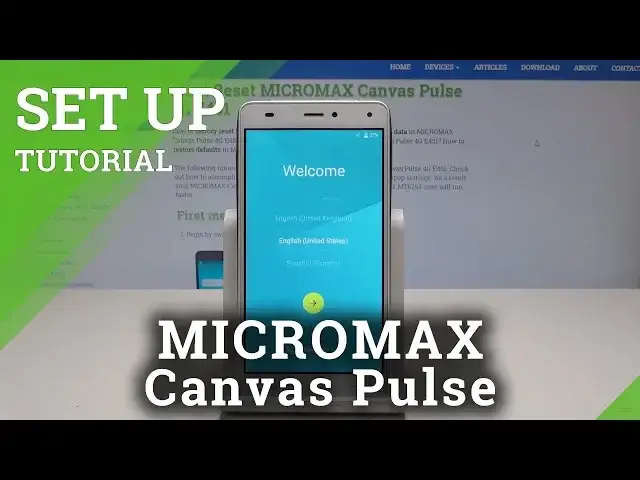
0:00
Here I have Micromax Canvas Pulse and let me show you how to activate this device
0:12
At the very beginning let's start by using the welcome panel. Here you should choose the desired language, this is the full list of available languages
0:19
let me choose English. For example from United States. Let's tap next
0:25
You can insert SIM card but you can also activate your device without the SIM card so let me
0:29
tap skip. Now you can connect your device to the WiFi so let me do it
0:33
It's also not necessary but I usually recommend having the internet access
0:38
So let me just connect my device to my WiFi by inputting the password
0:45
Tap connect. Alright, the phone is checking connections
0:55
The phone is looking for any available updates
1:15
Alright the following screenshot pops up so here you can sign in into the Google account
1:19
It's also not necessary, you can bypass this step by tapping skip but I usually recommend
1:23
this because the Google account enables a few interesting stuff so let me enter my email
1:38
Alright if you are ready let's tap next
1:49
Here let me enter the password
2:02
Alright let's tap next again right here. Here let me tap agree to Terms of Service and Privacy Policy
2:17
The device is checking info. Here you can set up payment information, let me choose remind me later
2:45
Here you can protect your phone by using some kind of a screen lock but let me tap skip
2:49
for now. Skip anyway. Tap more, more to the following Google services
2:55
Let me leave all of them enabled. Tap next
3:14
Here let me tap home button to quit this Mi account and that's it. Now you can use your device in a normal way
3:19
So everything went well. Thank you for watching. Please subscribe our channel and leave thumbs up under the video