0:00
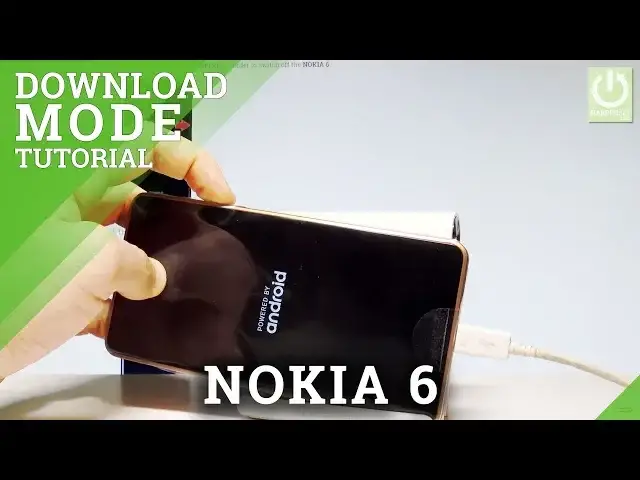
Here I have Nokia 6 and let me show you how to enter the download mode on the following device
0:10
So at the very beginning let's start by pressing the power key right here, keep holding power
0:14
let's choose power off and tap OK to confirm it. Wait until your device will be completely switched off and afterwards you need to prepare
0:21
the micro USB cable, here I have such a cable and this cable is connected to my charger
0:27
Then you need to connect your device with your micro USB cable and start holding power
0:33
key and volume down. After a second or two you have to release power and keep holding only volume down
0:39
So let me show you, let's connect your device by using micro USB cable and start holding
0:46
power key and volume down, release power and now only keep holding the volume down key
0:52
That's it, you can release volume down, as you can see the phone is in download mode
0:57
so now you can use this mode or you can also simply quit it by pressing power key for a
1:01
long time. Let's keep holding power button
1:14
Now you can release power, as you can see the device is restarting and rebooting
1:18
You may also disconnect your device from a charger and let's just wait until the device
1:34
That's it, the home screen just pops up so everything went well. Thank you for watching, please subscribe our channel and leave thumbs up under the video