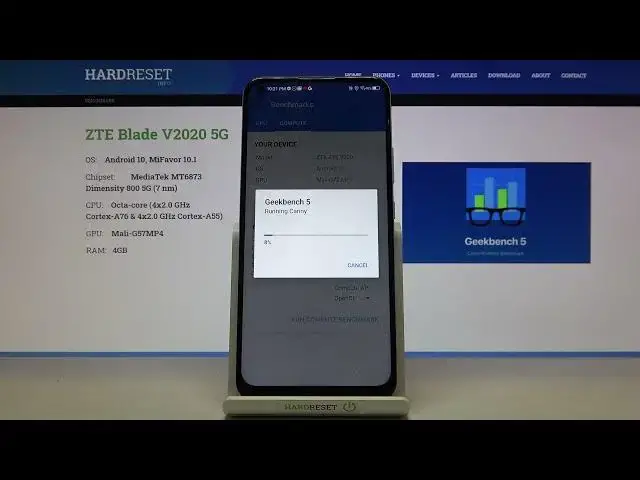

ZTE Blade V2020 5G Compute Geekbench 5 | GPU TESTING
Apr 14, 2024

Find out more info: https://www.hardreset.info/devices/zte/zte-blade-v2020-5g/ Today we will test the ZTE Blade V2020 5G in the GPU Compute test to check the performance of the GPU in this device. Geekebench 5 is an application that will allow you to check the performance of your processor and graphics cardIf you want to check what result this phone achieved in sectors such as SQLite, PDF rendering, Clang you have to watch this movie! Check at the end what result he achieved and how the comparison of this phone looks like with others with similar price and parameters.
How to use AnTuTu Benchmark in ZTE Blade V2020 5G? How to check Performance by ZTE Blade V2020 5G? How to check performance by 3DMark sling shot extreme test of Android device? How to activate Wild Life 3DMark Benchmark on ZTE Blade V2020 5G? How to use Geekbench 5 GPU OpenCL Benchmark in ZTE Blade V2020 5G? How fast is ZTE Blade V2020 5G? How to test by Geekbench GPU Vulkan Benchmark ZTE Blade V2020 5G? How to perform benchmark in ZTE Blade V2020 5G? How to check storage speed in ZTE Blade V2020 5G? How to perform HTML5 TEST in ZTE Blade V2020 5G?
ZTE Blade V2020 5G Specification:
OS Android 10, MiFavor 10.1
Chipset MediaTek MT6873 Dimensity 800 5G (7 nm)
CPU Octa-core (4x2.0 GHz Cortex-A76 & 4x2.0 GHz Cortex-A55)
GPU Mali-G57MP4
MEMORY: 6 GB RAM
Follow us on Instagram ► https://www.instagram.com/hardreset.info
Like us on Facebook ► https://www.facebook.com/hardresetinfo/
Tweet us on Twitter ► https://twitter.com/HardResetI
Support us on TikTok ► https://www.tiktok.com/@hardreset.info
Use Reset Guides for many popular Apps ► https://www.hardreset.info/apps/apps/
Show More Show Less