0:00
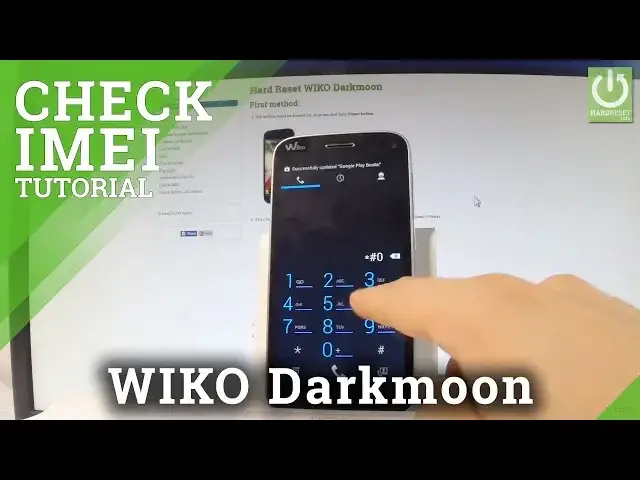
Here I have Waiko Darkmoon and let me show you how to check email number on the following device
0:10
At the very beginning let me show you how to do it by using a secret code so let's use
0:14
a phone's dialer and let's use the following secret code. Star hash 06 hash and the email number just pops up in front of you
0:24
Let's tap OK to close this window and now let me show you how to do it by using a settings
0:29
so let's tap apps icon, let's find and select the settings right here, scroll down to the
0:37
bottom of the list and choose about phone. Afterwards let's scroll down again and choose status, here you should find email information
0:46
and now you can read the email number of your device. So that's it, you can go back and start using your device
0:52
Thank you for watching, please subscribe our channel and leave thumbs up under the video