0:08
In front of me I have Apple AirTag and today I will show you what is inside of this device
0:13
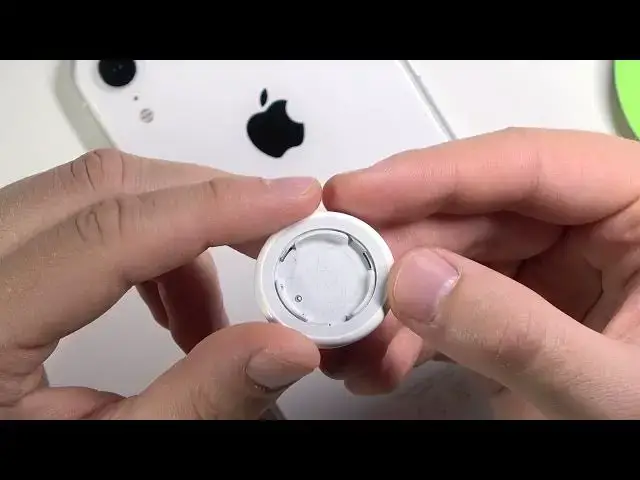
and how to open it. So simply if you wonder what we can find inside, now you have to grab it to your hand just
0:21
like that. Put here another one, squeeze and then turn it to the left side like that
0:27
Let's make it. Then when we make it correctly it will just pop
0:36
And as you can see here we got the battery. I'm going to zoom in a little bit to show you a little bit closer
0:43
So as you can see there we got the battery and the model of the battery is CR2032
0:51
And the battery looks like that from two sides. It's very very thin
0:56
And inside of the AirTag we can find the serial number, I mean the model number
1:03
It's A2187. There we got also the AMC number, FCC ID and IC
1:18
I don't know honestly what it is. There we got also some kind of a number, maybe it's the serial number
1:24
I don't know. Here we got also some kind of a mess. Ok, I can't get rid of that so let's leave it
1:31
And if you want to put it back, so put the battery in this place
1:36
If you put it correctly you will hear this sound. And we have to put those indicators right here in those empty places
1:49
So just take a look when you put it correctly, it really looks like that
1:56
Next you have to make the same thing but turn it to the right
2:03
And as you can see it's finished. So that's all. If you find this video helpful remember to leave a like, comment and of course subscribe