0:00
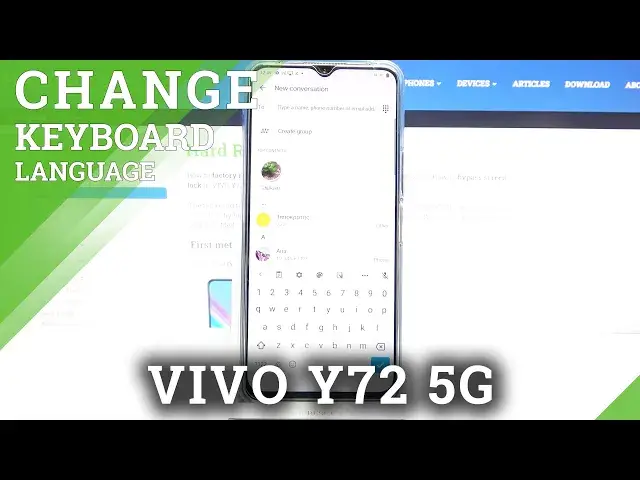
Hi everyone, in front of me I've got Vivo I7 G2 5G and let me share with you how to
0:10
change keyboard language on this device. So first of all let's open the keyboard for example in messages, it doesn't really matter
0:19
Let's open it and since we've got the keyboard on the screen we can take a look at this option
0:23
bar and enter the settings. If you cannot find the settings right here no worries, just tap on this three dots icon
0:30
and you will be able to find the settings somewhere here and if you'd like to drag them
0:34
to this option bar let's say just tap on it and hold it and drag it whenever you want to
0:40
So let me enter the settings, let's tap on the languages and here we've got the list
0:44
of the languages which are right now installed on this device, on this keyboard actually
0:49
So let's tap on add keyboard and as you can see here we've got the full list of all available
0:54
keyboards, all available languages from which we can choose. So all you have to do is to simply find the one you would like to set and tap on it
1:03
So let me pick Turkish for example and sometimes you will be able also to pick the region so
1:09
let's tap on it and as you can see here you've got also the options of the keyboard which
1:17
you can pick. So it's really up to you of course which option you'd like to use
1:23
I don't want the QRT, I would like this one for example, it doesn't really matter
1:28
Let's tap on done. As you can see it has been immediately applied to this list so right now we can go back to
1:34
the keyboard and check and as you can see here we've got actually two differences
1:38
So first of all the spacebar is not empty anymore. Right now we've got the name of the language we are currently using and we've got currently
1:45
applied and all we have to do in order to change the language is to simply tap on this
1:51
new icon, the globe icon. So right now I can easily type in English but after tapping on this globe icon the keyboard
2:00
slightly changed because we've got some letters added which are characteristic to the Turkish language
2:08
So right now I can let's say type in Turkish and again English
2:13
We've got let's say regular keyboard. So actually this is it. This is how to add the language to a keyboard and now let me show you how to remove it
2:24
So let's enter the settings, let's tap on the languages and all you have to do is to
2:28
simply tap on this edit icon in the right upper corner. Now let's mark the language we'd like to remove and tap on the trash bin icon
2:37
After getting back you can see that again we've got the empty spacebar and we cannot
2:42
see the globe icon. So it means that we can only type in English
2:46
So actually this is it. This is how to change a keyboard language in your Vivo I70 to 5G
2:51
Thank you so much for watching. I hope that this video was helpful and if it was please hit the subscribe button and