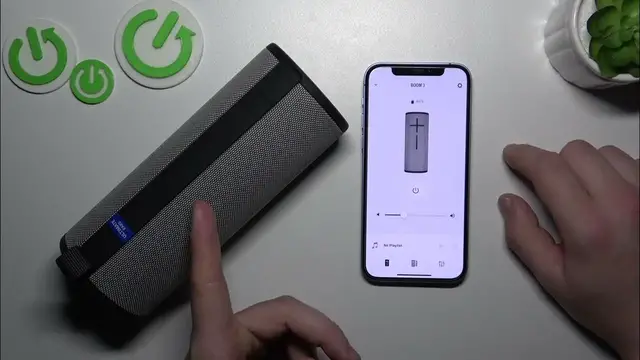

Ultimate Ears Boom 3 enable disable speaker sounds
Jan 17, 2024

Find out more: https://www.hardreset.info/devices/
Step into the world of customizable audio with our engaging video on how to enable and disable speaker sounds on your Ultimate Ears Boom 3. Perfect for those looking to tailor their audio experience, this tutorial provides a detailed walkthrough of managing the various speaker sounds of your UE Boom 3. Whether you prefer a minimalist setup without additional sounds or enjoy the auditory feedback from your speaker, we cover it all. Learn how to navigate the UE Boom app to easily switch these sounds on or off, suiting your listening preferences and environment. Ideal for tech enthusiasts, everyday users, and anyone in between who wants to personalize their UE Boom 3 experience. This video makes it simple and enjoyable to control every aspect of your speaker's sound profile. Be sure to like, subscribe, and enable notifications for more insightful and helpful tech guides
#UEBoom3Customization
#SpeakerSoundControl
#TechTips
Questions for the Video:
How to access the speaker sound settings on your Ultimate Ears Boom 3?
How to enable or disable specific sounds on the UE Boom 3?
How to use the UE Boom app for sound customization?
How to determine which speaker sounds are best for your environment?
How to troubleshoot if you can't change the speaker sounds on your UE Boom 3?
Follow us on Instagram ► https://www.instagram.com/hardreset.info
Like us on Facebook ► https://www.facebook.com/hardresetinfo/
Tweet us on Twitter ► https://twitter.com/HardResetI
Support us on TikTok ► https://www.tiktok.com/@hardreset.info
Use Reset Guides for many popular Apps ► https://www.hardreset.info/apps/apps/
Show More Show Less