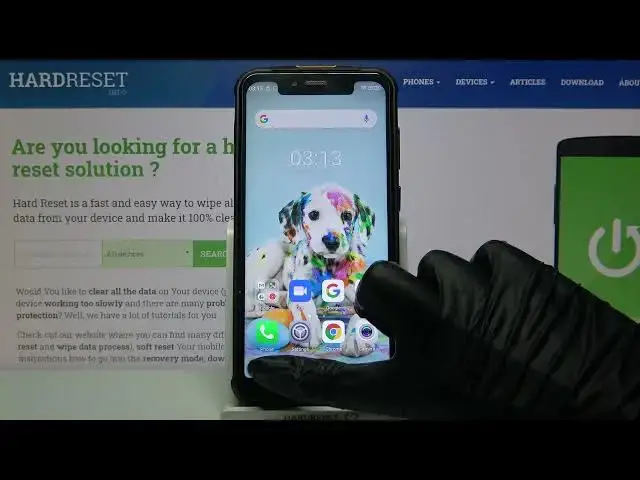

ULEFONE Armor 5S – Activate and Use Split Screen Feature
Apr 18, 2024

Find out more about ULEFONE Armor 5S:
https://www.hardreset.info/devices/ulefone/ulefone-armor-5s/
By spliting the screen into two, you can turn on and use two applications at once. And it's not a joke, your phone really is capable of this! And how to activate this option - we will show you in the video above. Let's activate and use this Double Display option with the friendly HardReset.Info team, that will help you!
How to Use Split Screen Option on ULEFONE Armor 5S? How to Split Screen on ULEFONE Armor 5S? How to Double Display on ULEFONE Armor 5S? How to Dual Screen on ULEFONE Armor 5S? How to Activate Split Screen Feature on ULEFONE Armor 5S? How to Disable Split Screen on ULEFONE Armor 5S? How to Use Two Apps at the same time on ULEFONE Armor 5S? How to Make ULEFONE Armor 5S Multitasking?
#SplitScreen #DoubleScreen #ULEFONEArmor5S
Follow us on Instagram ► https://www.instagram.com/hardreset.info
Like us on Facebook ► https://www.facebook.com/hardresetinfo/
Tweet us on Twitter ► https://twitter.com/HardResetI
Support us on TikTok ► https://www.tiktok.com/@hardreset.info
Use Reset Guides for many popular Apps ► https://www.hardreset.info/apps/apps/
Show More Show Less