0:00
How to add such a widget with a pet on an iPhone
0:03
Watch till the end, I'm gonna show it to you. You can tap on the widget to play with it
0:10
You need to take care of your pet, feed it and play with it
0:15
This is so cute. In order to create such a widget, use the iScreen app
0:22
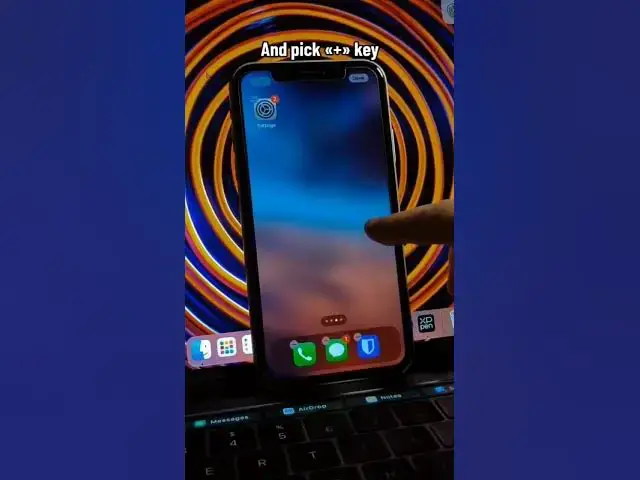
Here search for my pet. Customize it and save the widget. As the next step, hold down your finger on the free space on the screen
0:34
And pick plus key. Follow my steps to set the widget
0:50
Good job! And this is not the only game you can add to your home screen