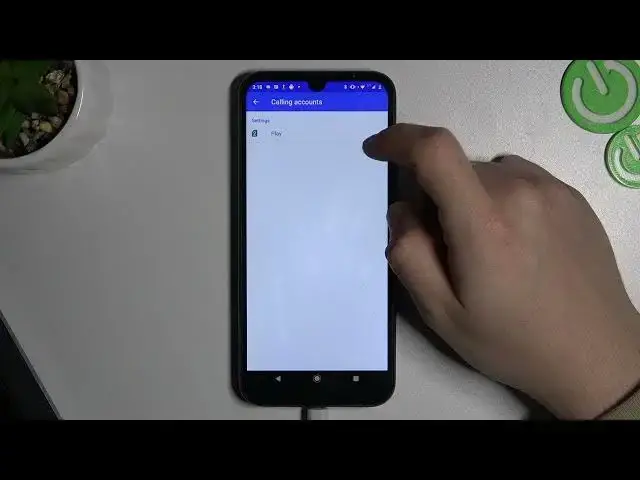

The Ultimate Guide to Setting Up Call Forwarding on Your Android Device - Never Miss a Call Again!
Mar 25, 2024

Best Tips & Tricks about Android OS: https://www.hardreset.info/tutorials/android/
Are you tired of missing important calls on your Android device? Look no further! In this video, we'll show you step-by-step how to set up call forwarding in English, so you'll never miss another call again. First, open your phone's settings and tap on 'Calls.' Next, select 'Call forwarding' and turn it on. From there, you can input the phone number you want your calls to be forwarded. And that's it! Your calls will now be forwarded to the number you provided. It's quick and easy to do, so you can get back to your day without missing any important calls.
How to forward a call on an Android Phone?
How to set a call forward on an Android tablet?
#android #androidsetting #androidsecrets
Follow us on Instagram ► https://www.instagram.com/hardreset.info
Like us on Facebook ► https://www.facebook.com/hardresetinfo/
Tweet us on Twitter ► https://twitter.com/HardResetI
Support us on TikTok ► https://www.tiktok.com/@hardreset.info
Use Reset Guides for many popular Apps ► https://www.hardreset.info/apps/apps/
Show More Show Less