0:00
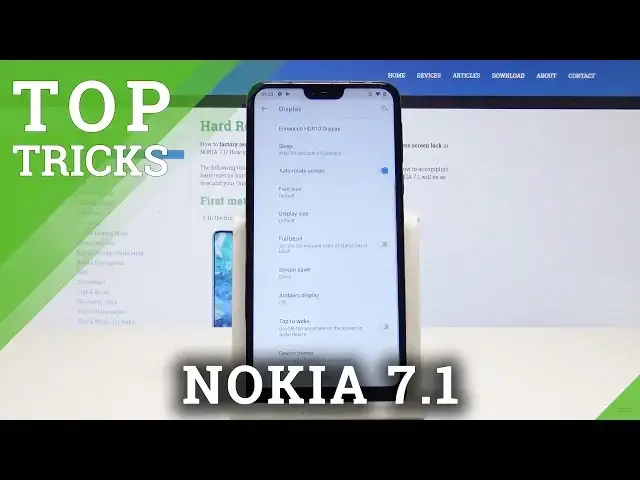
Here I have Nokia 7.1 and let me show you top tricks and hidden features on the following device
0:14
Ok, let's start with the first one. Let's tap on settings and choose display
0:21
Now let's go to advanced and here we have the ambient display
0:25
We can for example turn it on during charging, for example when we leave our phone and check
0:33
out the new notifications. Ok, let's go back and now let's jump to the second one which is the smart lock
0:42
Here in security and location we have smart lock, we need to confirm the pattern and now
0:48
here we have few useful options. For example on body detection we can add some trusted places, devices or faces and match
0:57
the voice with the Google Assistant. Ok, let's go to the third one
1:03
Let's go back to display and here we have full bezel option
1:09
Let's check it and as you can see it works like the height notch option
1:16
Ok, let's go back and now let's choose tap to wake. Ok now when our screen is off the only thing we need to do is just double tap on the screen
1:30
and our phone will wake up. Let's go back and let's go to the last feature
1:39
Let's go to settings, display, then advanced and here we have the enhanced HDR10 display
1:49
Ok we can check it on and now our contrast and sharpness for photos, games and videos
1:56
are enhanced. Ok that's it for this video, thank you for watching, please subscribe to this channel
2:03
and leave a like under the video