Up next in 10

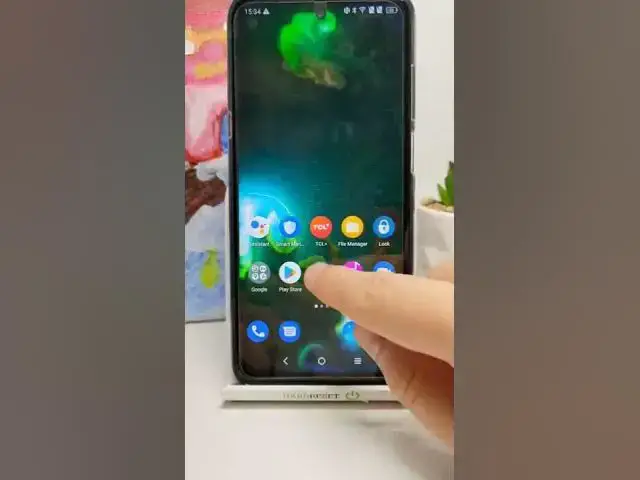
Take Screenshot on Android Phone - Capture any Screen in Smartphone with Gestures
Jul 9, 2024

#shorts
Show More Show Less View Video Transcript
0:00
How you can take screenshot on your Android smartphone
0:03
So in most cases, on 99% of the devices, you have to press power key and volume down button
0:09
to take screenshot and take a look. Right now the screenshot was taken and the smartphone in front of me is
0:15
TCL 20 5G and we got also another method, so take a look. You have to simply go for the settings
0:21
Next you have to find advanced features and then go for gestures. And here we got the gesture screenshot
0:27
So when you enable this feature, the three finger screenshot, and then drag with our fingers like that to the screen
0:33
I'll take a look right now. As you can see, the screenshot will be taken also. So we got two methods how we can make it
0:39
and sometimes you are able also to find the screenshot icon in this place and when you tap on it
0:45
just like that, the screenshot will be taken. So that's how it looks and if you find this video helpful, remember to leave a like
0:51
comment and of course subscribe to our channel