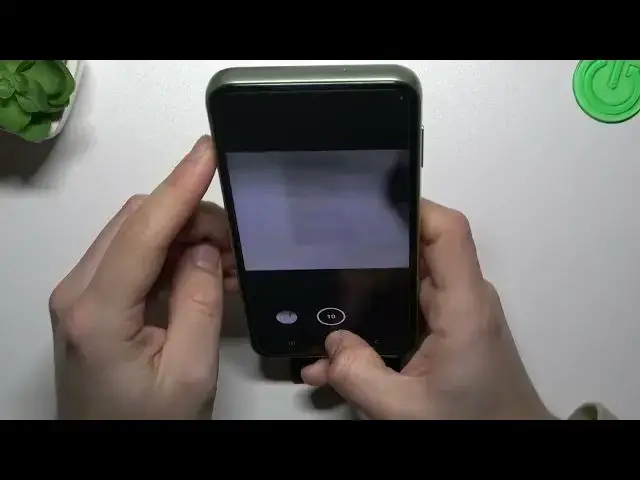

Take Burst Shot - Camera Settings on SAMSUNG Galaxy M04
Mar 20, 2024

Find out more info about SAMSUNG Galaxy M04: https://www.hardreset.info/devices/samsung/samsung-galaxy-m04/tutorials/
Hello there! Let’s check the best method of managing the Burst Shot option on your device. So the first step is to open your SAMSUNG Galaxy M04 camera app and find the settings list there. The second step is to find the Swipe Shutter Button To option and choose the Take Burst Shot mode after tapping on it. Later, we'll also demonstrate how to use this function right. We're sure that you liked our video - if so, leave a comment below. Thank you for always being with us!
How to take Burst Shot on SAMSUNG Galaxy M04? How to take a lot of pictures on SAMSUNG Galaxy M04? How to take photos in a row on SAMSUNG Galaxy M04? How to make Serial photos on SAMSUNG Galaxy M04?
#BurstShot #SerialPhotos #SAMSUNGGalaxyM04
Follow us on Instagram ► https://www.instagram.com/hardreset.info
Like us on Facebook ► https://www.facebook.com/hardresetinfo/
Tweet us on Twitter ► https://twitter.com/HardResetI
Support us on TikTok ► https://www.tiktok.com/@hardreset.info
Use Reset Guides for many popular Apps ► https://www.hardreset.info/apps/apps/
Show More Show Less