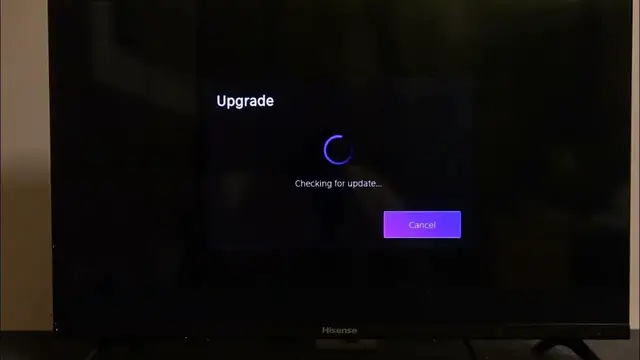

Stay Up-to-Date: How to Check for System Updates on Hisense Smart TV
Jan 18, 2024

Find out more: https://www.hardreset.info/
Keep your Hisense Smart TV running smoothly and benefit from the latest features by learning how to check for system updates. This step-by-step video tutorial guides you through the process, ensuring your TV is equipped with the latest firmware for an optimized viewing experience. Watch and empower yourself with the knowledge to stay on the cutting edge of entertainment technology.
How can I check for system updates on my Hisense Smart TV to ensure it's up-to-date?
Where can I find the system update settings on my Hisense Smart TV?
Is there an automatic update option, or do I need to manually check for updates?
What benefits do system updates provide for my Hisense Smart TV?
Are there troubleshooting steps if I encounter issues during the update process?
#hisensetv #hisense #smarttv
Follow us on Instagram ► https://www.instagram.com/hardreset.info
Like us on Facebook ► https://www.facebook.com/hardresetinfo/
Tweet us on Twitter ► https://twitter.com/HardResetI
Support us on TikTok ► https://www.tiktok.com/@hardreset.info
Use Reset Guides for many popular Apps ► https://www.hardreset.info/apps/apps/
Show More Show Less