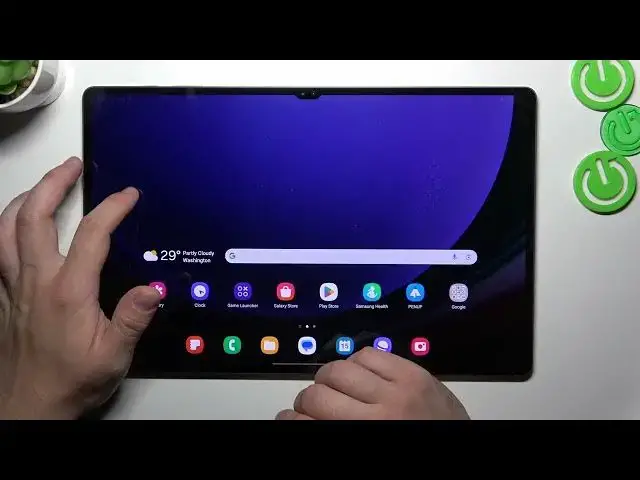

Stay in the Know: Add Real-Time Internet Speed to Your Tablet's Status Bar on Galaxy Tab S9 Ultra!
Aug 4, 2024

Find out more: https://www.hardreset.info/devices/samsung/samsung-galaxy-tab-s9-ultra-5g/
🚀 Boost Your Connectivity: Adding an Internet Speed Indicator to the Status Bar on the SAMSUNG Galaxy Tab S9 Ultra! 🌐📱 Elevate your browsing experience with this enlightening tutorial that unveils the secret to tracking your internet speed directly from the status bar. In this video, we'll guide you through the process of adding an internet speed indicator to your Galaxy Tab S9 Ultra, allowing you to stay informed and make the most out of your online interactions. Get ready to witness the power of real-time connectivity data at your fingertips! 🔍📶
#GalaxyTabS9Ultra #InternetSpeedIndicator #ConnectivityEnhancement
🤔 Dive into the world of enhanced connectivity with these "how to" questions that will guide you through the content:
How to add a real-time internet speed indicator to the status bar on the Galaxy Tab S9 Ultra?
How to ensure accurate tracking of your internet speed for an improved browsing experience?
How to customize the appearance and position of the internet speed indicator on your tablet's status bar?
How to troubleshoot any challenges that might arise during the process of adding the indicator?
How to optimize your online activities by staying informed about your internet speed?
Follow us on Instagram ► https://www.instagram.com/hardreset.info
Like us on Facebook ► https://www.facebook.com/hardresetinfo/
Tweet us on Twitter ► https://twitter.com/HardResetI
Support us on TikTok ► https://www.tiktok.com/@hardreset.info
Use Reset Guides for many popular Apps ► https://www.hardreset.info/apps/apps/
Show More Show Less