0:00
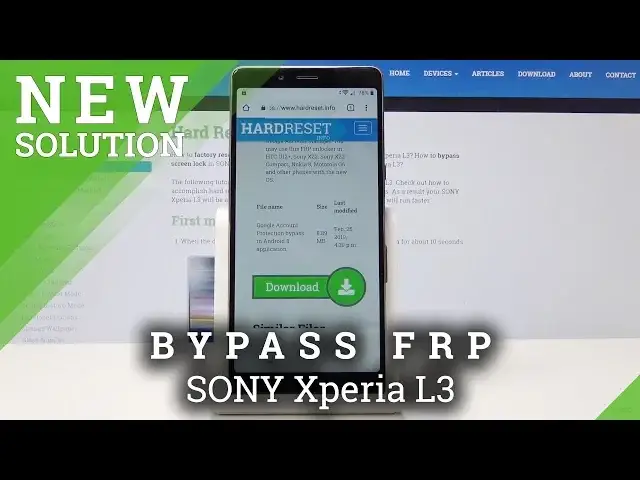
Here I have some Xpria All 3 and let me show you how to bypass here Google verification on the following device
0:13
So let me show you how to activate this phone with the forgotten Google account
0:18
So at the very beginning you need to insert here the nano SIM card with the pin protection
0:24
So let's just open the slot right here. Let's remove the tray
0:30
Alright, here you have the tray and let's insert here the SIM card
0:36
So here I have the SIM card with the characteristic edge right here, let's put this card in that slot and put the whole thing right here
0:44
The device is restarting itself. Let's wait a few seconds. Alright, let's enter the pin right here
1:05
Tap, select, okay. The following information pops up. Let's hold a few seconds on the following info
1:12
Choose more settings. From the following options, let's choose here the Android setup icon right here
1:24
And from the following options, let's choose the browser app. Tap open links right here
1:35
Scroll down choose YouTube. Tab YouTube again. And from the following options, let's tap the app notifications
1:49
Scroll down and choose additional settings in the app. And right now you need to tap about and choose Google privacy policy
1:59
Accept and continue and no thanks. Now you can use the Chrome Searcher
2:03
So let's here use the Hard Reset.Info. Alright Hard Reset.Info
2:19
Let's use the menu key and tap download. Here in Download let type in the Android 8 Let me tap Got it right here two cookies Tap Android 8
2:38
Tap search. Scroll down and let's tap here download one more time
2:53
Let's scroll down again. Then tab download one more time. Choose Continue, let's allow Chrome to access photos, media etc
3:02
Tab allow, tap download, tap okay. And tap open
3:14
Tap settings here and let's allow from this source, let's go back, choose install
3:24
Tap open. Select Google Account Manager for version 6.0. Choose settings and let's allow from this source
3:33
Let's go back. Tap install. Choose done and now you can choose Bypass FRP
3:42
select Browser Sign In and choose More Key and select Browser Sign In again
3:47
Tap OK. Let's here enter the email. you need to sign in into some Google account
3:57
It could be any Google account, even the new one, not connected to this device, just the Google account that you know the email and password
4:05
So let me do it. Let me just enter correct. Email. All right
4:14
Tap next. Now it's time to enter the password. That's it, choose here sign in
4:37
The FRP bypass pops up, let's press here Power key, tab restart and let's wait a couple of seconds
4:53
Alright, let me enter the pin. Tap get started Choose accept
5:08
Here let me tap Wi-Fi only, the phone is checking for updates
5:14
Tap set up as a new. As you can see account added, so the account that you had previously is added, choose next
5:28
Tap more, more and accept Google services. Skip the fingerprint, choose not now to the protection, skip anyway
5:38
Tap continue. Choose no thanks. Tap no thanks again
5:58
Alright, choose finish. And to fully erase FRP, you need to perform the hard reset by using settings, so let's choose apps
6:10
Tap settings, scroll down, choose system, select reset and choose here Factory Data Reset
6:17
tab Reset Phone and select Erase everything. Let's wait until the Hard Reset will be done
6:23
Do not interrupt whether the process is running. Alright the pin protection pops up so let me just enter the pin
7:41
Let me choose the language. get started
8:01
Tap accept, let me quickly enable the device. So let me skip everything
8:06
You can even skip the Wi-Fi connection. It's a good sign. It means that Strapped Rest Protection was successfully erased
8:12
Tap next a few times. Tap more and more and accept. Choose skip
8:19
Tap node now. Tap finish
8:46
And you just activate your device. The phone right now needs to be restarted
8:51
Let's wait a few seconds. Alright, if you have a pin, let's enter the pin
9:30
And now let me just check out the system of the device, tap apps, select settings, scroll down
9:36
tab system, tap here about phone. And as you can see, I just accomplished the following operation on Android 8.1 with the December 2018 security patch level
9:50
So that's it. Everything went well. Thank you for watching. Please subscribe our channel, leave thumbs up under the video