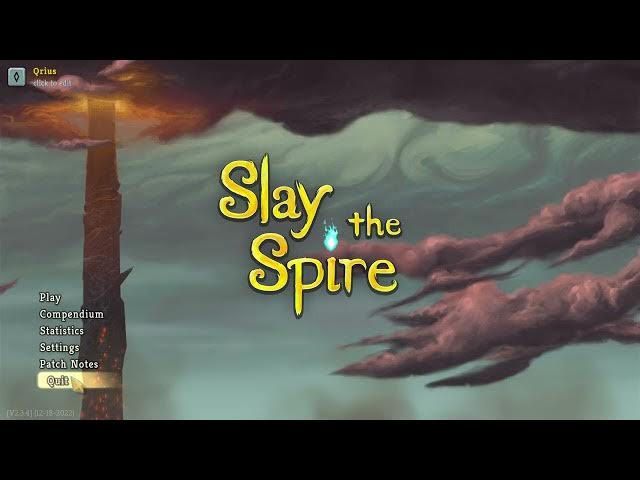

Slay The Spire – How to Enable Fullscreen Mode
Jan 28, 2026

In this short and clear video you will learn how to enable fullscreen mode in Slay The Spire on PC. I walk you through opening Settings, going to Game Settings, and selecting Fullscreen or Borderless Fullscreen under Graphics. You’ll also see how to apply the change and what to do if the setting doesn’t appear to take effect. This guide is ideal for players who want better resolution, smoother alt-tab behavior, or a true fullscreen experience in Slay The Spire.
How to enable fullscreen mode in Slay The Spire?
How to set borderless fullscreen in Slay The Spire?
Where is the fullscreen option in Slay The Spire settings?
0:00 Intro - What we’ll change
0:07 Open Settings and enter Game Settings
0:18 Find Graphics and Borderless Fullscreen
0:31 Choose Fullscreen or Borderless Fullscreen
0:40 Apply changes and restart if needed
0:55 Outro and final tips
#SlayTheSpire #Fullscreen #BorderlessFullscreen #GamingTips
Find out more:
https://www.hardreset.info/devices/game/game-slay-the-spire/
Follow us on Instagram ► https://www.instagram.com/hardreset.info
Like us on Facebook ► https://www.facebook.com/hardresetinfo/
Show More Show Less