0:00
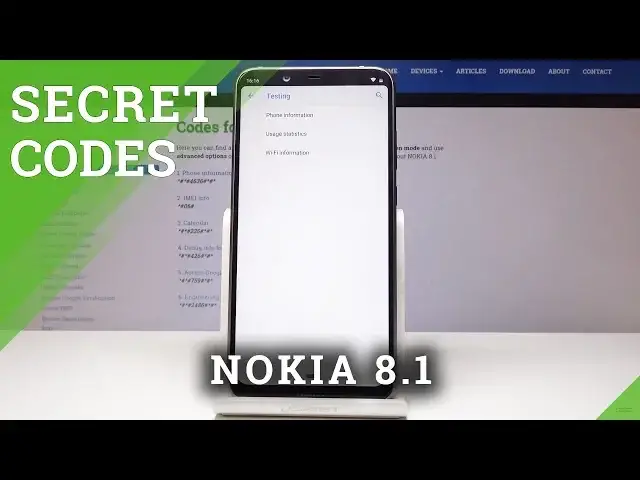
I've got Nokia 8.1 and let me show you all the secret codes for the following device
0:11
So at first, let's open the phone dialer and then let's enter the first code which will
0:18
show us the phone information. So it's asterix pound, asterix pound, 4636 pound, asterix, pound, asterix
0:26
At first, we can check the phone information here. So you've got email info, phone number, current network, signal strength, voice service, data service
0:35
You can also run a ping test here. Simply click and here is the solution
0:41
And also you can check the mobile radio power and all the other. You can refresh it
0:45
And here, as you can see, it has been errored. Then you can check the usage statistics
0:51
So you have all the data information about all the applications that you are using
0:56
And then let's go to Wi-Fi info. So you can check Wi-Fi APA
1:01
And here you can take a look at disabled network, disconnected, enabled network, configured networks
1:07
And also you can check the connection info over here. Let's go back
1:11
And then there is a Wi-Fi configuration. So you can check all the configured network here and also Wi-Fi status
1:22
So refresh it to check all the info. So you've got the Wi-Fi network state and all the others
1:28
You can run a ping test here as well. As you can see, it passed
1:33
Let's go back. And this is actually what you can do in this testing mode
1:38
Now we will go to the second code. This is the shortest one, but very important
1:42
It's asterix, pound, 06, pound. And here you've got the serial number for your device
1:47
So this is the one. You can quickly check out what your serial number is
1:53
Then let's open all the calendars that are included in your Nokia 8.1
1:57
So if you have Google Calendar or some other calendar connected with your device, all the
2:02
info will be included in one place. And the code for it is asterix, pound, asterix, pound, 225, pound, asterix, pound, asterix
2:11
And here you've got all the details. So let's go back. And finally, the last but not least code is asterix, pound, 426, pound, asterix, pound, asterix
2:24
And we will debug into Google Services. Oh, I missed two digits
2:28
So it's asterix, pound, asterix, pound. And now you can check events and status
2:34
If you will tap over here, you can allow advanced view. So you have more info, very advanced one over here
2:42
So this is how you can use the codes for Nokia 8.1. You can check some advanced info regarding your device, enjoy it and enable them whenever
2:51
you need to. Thank you for watching. Please subscribe our channel and leave the thumbs up