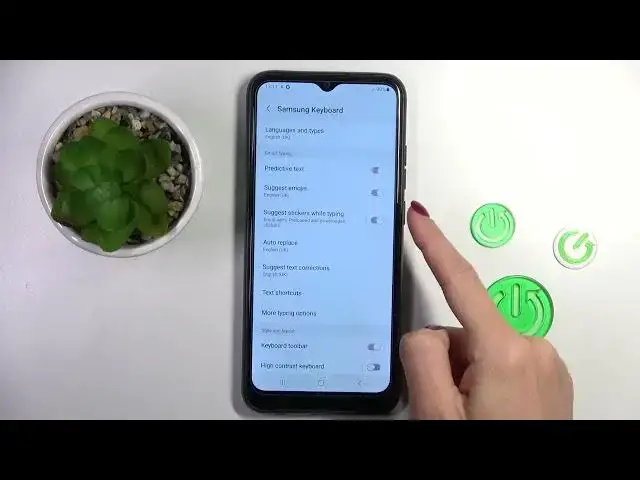

SAMSUNG Galaxy A03 & Keyboard Settings - Turn On/Off Emoji Suggestion
Mar 19, 2024

Find out more info about SAMSUNG Galaxy A03: https://www.hardreset.info/devices/samsung/samsung-galaxy-a03/tutorials/
Thank you for visiting our channel - today we will teach you how to enable/disable the Emoji Suggestion feature on your SAMSUNG Galaxy A03 device. All you have to do is open the Keyboard Settings with us and find the right Emoji option in the list to allow or block emoji suggestions from appearing on your keyboard. To keep up to date with all the new tricks on phones and tablets - subscribe to our channel.
How to Show Emoji on SAMSUNG Galaxy A03? How to Turn On Emoji Suggestion on SAMSUNG Galaxy A03? How to Turn Off Emoji Suggestion on SAMSUNG Galaxy A03? How to Manage Keyboard Settings on SAMSUNG Galaxy A03? How to use Predictive Emoji on SAMSUNG Galaxy A03?
#SuggestEmoji #KeyboardSettings #SAMSUNGGalaxyA03
Follow us on Instagram ► https://www.instagram.com/hardreset.info
Like us on Facebook ► https://www.facebook.com/hardresetinfo/
Tweet us on Twitter ► https://twitter.com/HardResetI
Support us on TikTok ► https://www.tiktok.com/@hardreset.info
Use Reset Guides for many popular Apps ► https://www.hardreset.info/apps/apps/
Show More Show Less