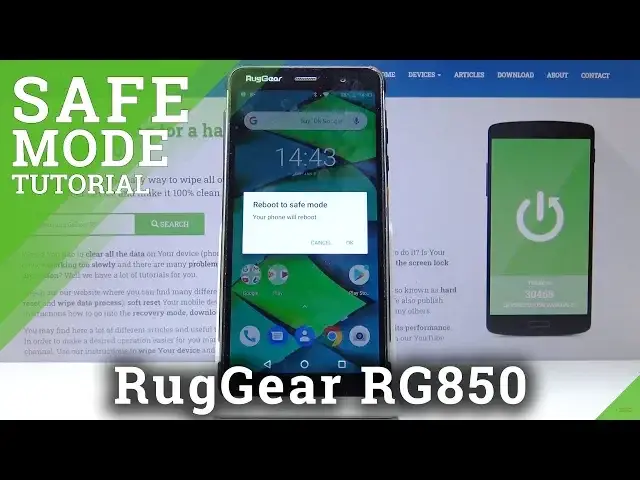

Safe Mode in RUGGEAR RG850 – Diagnose Installed Apps
May 16, 2024

Learn more info about RUGGEAR RG850:
https://www.hardreset.info/search/?q=RugGear+RG850+
We are presenting the video guide, where we show you how to get access to the diagnostic mode in RUGGEAR RG850. If you have a problem with third-party apps in Ruggear device, stay with us to learn how to boot into safe mode and diagnose the problem with installed apps in RUGGEAR RG850. Let’s use the attached instructions and open, use and exit Ruggear Safe Mode.
How to enter safe mode in RUGGEAR RG850? How to open safe mode in RUGGEAR RG850? How to boot into safe mode in RUGGEAR RG850? How to enable safe mode in RUGGEAR RG850? How to use safe mode in RUGGEAR RG850? How to quit safe mode in RUGGEAR RG850? How to exit safe mode in RUGGEAR RG850?
Follow us on Instagram ► https://www.instagram.com/hardreset.info
Like us on Facebook ► https://www.facebook.com/hardresetinfo/
Tweet us on Twitter ► https://twitter.com/HardResetI
Show More Show Less