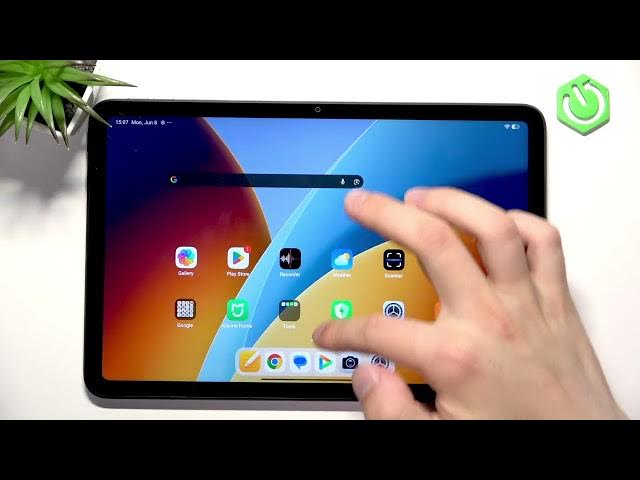

REDMI Pad 2 4G – How to Use Gestures
Jun 9, 2026

Learn how to use gestures on your REDMI Pad 2 4G. In this short video we show where to find gesture controls in Settings and the basic navigation gestures for everyday use. You will learn how to open System navigation, how to go to the Home screen with a swipe, how to open recent apps with swipe-and-hold, and how to use the left/right swipe to go Back. This quick guide is perfect for new REDMI Pad 2 4G owners or anyone switching from button navigation to gestures on their Android tablet.
How to enable gestures on REDMI Pad 2 4G?
How to go to the Home screen with gestures on REDMI Pad 2 4G?
How to open recent apps on REDMI Pad 2 4G?
0:00 Introduction
0:04 Open Settings → Home screen → System navigation & gestures
0:21 Swipe up from the bottom to go Home
0:27 Swipe up and hold to open Recent apps (background apps)
0:32 Swipe from left or right to go Back
0:38 Outro and quick tips
#REDMI #RedmiPad2 #Gestures #Android
Find out more:
https://www.hardreset.info/devices/redmi/redmi-pad-2-4g/
Follow us on Instagram ► https://www.instagram.com/hardreset.info
Like us on Facebook ► https://www.facebook.com/hardresetinfo/
Show More Show Less #Science