
REDMI Pad 2 4G – Home Screen & Settings Tour
Jun 9, 2026

In this video I walk you through the REDMI Pad 2 4G home screen and the most useful settings you should check after setup. You will learn how to open and use floating windows, enable the app drawer, change home screen layout, lock the layout, choose navigation gestures or buttons, mask previews in Recents, manage notifications and the status bar, customize icon display and battery indicator, and adjust display options like dark mode, auto brightness and refresh rate. Clear, simple steps for anyone setting up a REDMI Pad 2 4G.
How to enable app drawer on REDMI Pad 2 4G?
How to use floating windows on REDMI Pad 2 4G home screen?
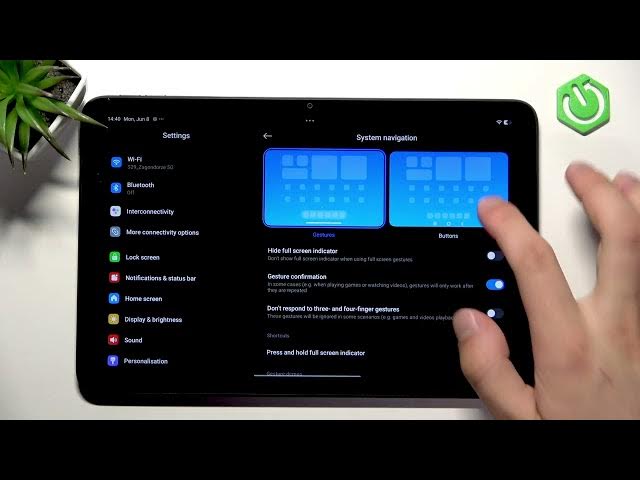
How to change navigation gestures on REDMI Pad 2 4G?
0:00 Intro & home screen overview
0:08 Open and use floating windows
0:31 Home screen settings — enable App Drawer
1:03 Double tap to lock, fill cells & lock layout
1:19 System navigation — gestures vs buttons
1:36 Recents preview and masking notifications
1:43 Notifications & status bar: badges, floating, lock screen
2:18 Customize icon display and battery indicator
2:43 Display settings — dark mode, auto brightness, refresh rate
3:11 Long-press home: wallpaper, widgets & app placement
3:27 Outro
#REDMIPad2 #RedmiPad2 #TabletSettings #HomeScreenTips
Show More Show Less #Science