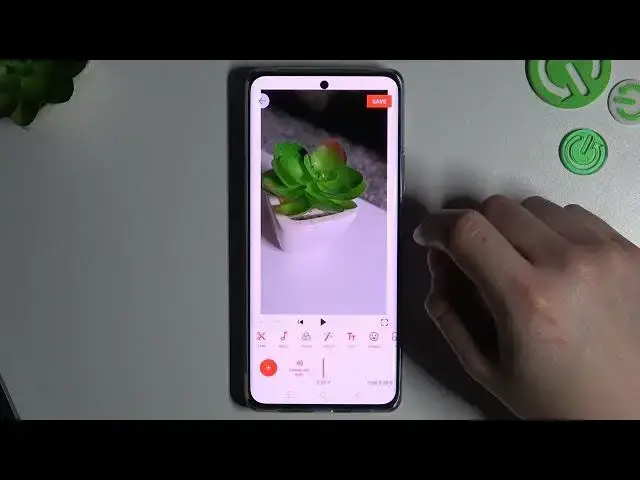

Pro Video Editing on Your Phone: How to Crop Videos on Android Device in a Few Simple Steps
Jul 27, 2024

Best Tips & Tricks about Android OS: https://www.hardreset.info/tutorials/android/
Are you tired of having black bars on the sides of your videos? Want to crop them to perfection? Look no further, in this video, we will show you how to easily crop your videos on your Android device in just a few simple steps. First, open the video you want to crop in your video editing app. Next, tap on the cropping icon and adjust the frame to your desired size. You can also rotate the video if needed. Once you're happy with the changes, tap on the save button, and voila! Your video is now perfectly cropped.
How to shorten video on an Android phone?
How to cut movies on an Android tablet?
#androidsetting #androidsecrets #android
Follow us on Instagram ► https://www.instagram.com/hardreset.info
Like us on Facebook ► https://www.facebook.com/hardresetinfo/
Tweet us on Twitter ► https://twitter.com/HardResetI
Support us on TikTok ► https://www.tiktok.com/@hardreset.info
Use Reset Guides for many popular Apps ► https://www.hardreset.info/apps/apps/
Show More Show Less