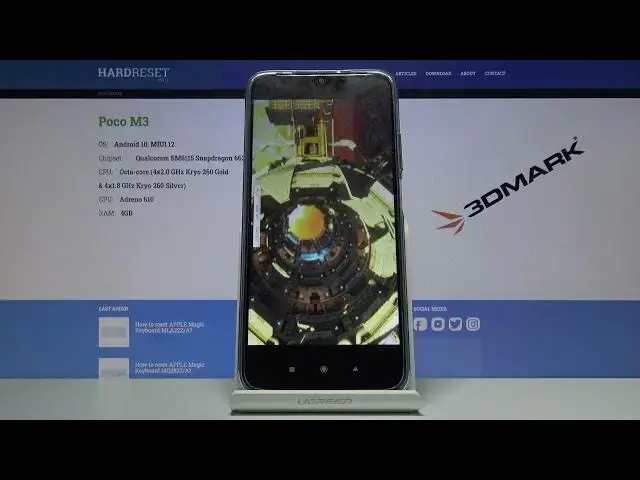

POCO M3 Benchmark 3DMark Sling Shot Extreme
Apr 18, 2024

Check this: https://www.hardreset.info/devices/poco/poco-m3/
If you are wondering how to evaluate the performance of your phone, the benchmark is a great way to do it. Just download the free 3DMark application and run the test on your phone to find out the computing power of the device. Thanks to the Super Sling Shot Extreme test, you will be able to learn the parameters of the Qualcomm SM6115 Snapdragon 662 (11 nm) processor installed in the POCO M3. The application will also test the Adreno 610 graphics card to find out what FPS it is able to render during a heavy load. LEt's visit www.imei.info for more interesing information about your phone! Just copy your imei number from android settings and paste to our service!
How to use AnTuTu Benchmark in POCO M3? How to check Performance by POCO M3? How to check performance by 3DMark sling shot extreme test of Android device? How to activate Wild Life 3DMark Benchmark on POCO M3? How to use Geekbench 5 GPU OpenCL Benchmark in POCO M3? How fast is POCO M3? How to test by Geekbench GPU Vulkan Benchmark POCO M3? How to perform benchmark in POCO M3? How to check storage speed in POCO M3? How to perform HTML5 TEST in POCO M3?
POCO M3 Specification:
OS Android 10, MIUI 12
Chipset Qualcomm SM6115 Snapdragon 662 (11 nm)
CPU Octa-core (4x2.0 GHz Kryo 260 Gold & 4x1.8 GHz Kryo 260 Silver)
GPU Adreno 610
MEMORY 4GB
Follow us on Instagram ► https://www.instagram.com/hardreset.info
Like us on Facebook ► https://www.facebook.com/hardresetinfo/
Tweet us on Twitter ► https://twitter.com/HardResetI
Support us on TikTok ► https://www.tiktok.com/@hardreset.info
Use Reset Guides for many popular Apps ► https://www.hardreset.info/apps/apps/
Show More Show Less