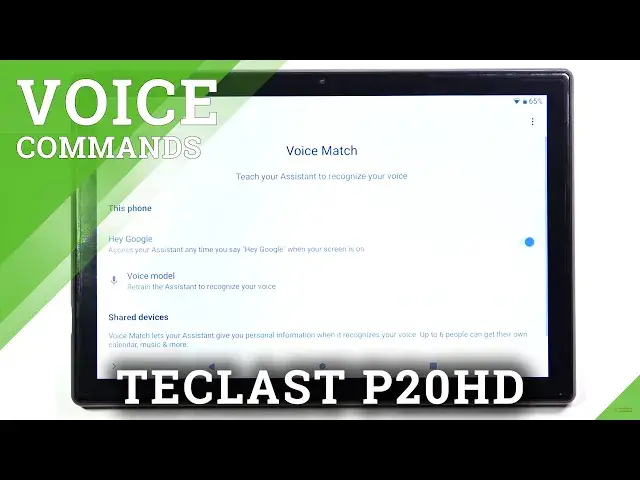

Open Assistant Settings and Disable Hey Google Option - TECLAST P20HD
Jul 11, 2024

Find out more about TECLAST P20HD:
https://www.hardreset.info/devices/teclast/teclast-p20hd/
How to disable the "Hey, Google" (or "OK, Google") feature on TECLAST P20HD? Oh, believe us, there's nothing difficult about it! In total, you only have to open main tablet customizations and select the google section there, where are all google Assistant features and modes to turn off. But in a case, when you need more details about this process - discover our tutorial above! And thumbs up if our new video was useful to you.
How to Switch Off Hey Google in TECLAST P20HD? How to Turn Off Hey Google in TECLAST P20HD? How to Delete Hey Google in TECLAST P20HD? How to Disable “OK Google” in TECLAST P20HD? How to Turn Off OK Google option on TECLAST P20HD? How to Use Google Assistant on TECLAST P20HD? How to Set Up Google Assistant on TECLAST P20HD?
#AssistantSettings #DisableHeyGoogle #TECLASTP20HD
Follow us on Instagram ► https://www.instagram.com/hardreset.info
Like us on Facebook ► https://www.facebook.com/hardresetinfo/
Tweet us on Twitter ► https://twitter.com/HardResetI
Support us on TikTok ► https://www.tiktok.com/@hardreset.info
Use Reset Guides for many popular Apps ► https://www.hardreset.info/apps/apps/
Show More Show Less