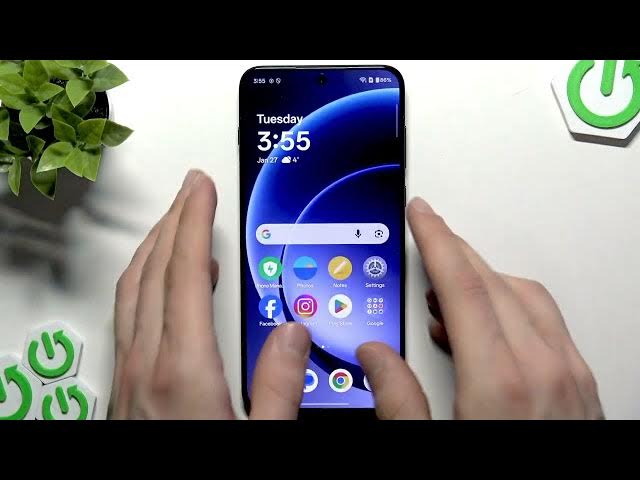

OnePlus 15R – How to Enable 'Plus Mind' AI Features
Jan 28, 2026

In this video we show how to enable the Plus Mind (Mindspace) AI assistant on your OnePlus 15R. You will learn how to check for software updates, open OnePlus AI → Mindspace, agree to the terms, add Mindspace to the home screen, assign the Plus key or side button to launch the assistant, give permissions, record voice notes and access voice memories. This guide covers every step so you can start using OnePlus AI features quickly and securely on your OnePlus 15R.
How to enable Plus Mind on OnePlus 15R?
How to assign Plus Mind to the Plus key on OnePlus 15R?
How to record voice notes in Mindspace on OnePlus 15R?
0:00 Introduction
0:07 Check for updates and connect to Wi‑Fi
0:19 Go to System → Software Update
0:29 Open OnePlus AI and enable Mindspace
0:44 Agree, add to home screen and enable features
0:58 Assign the Plus key / side button to Mindspace
1:21 Grant permissions to activate the assistant
1:39 How to record audio notes in Mindspace
2:09 Access voice memories and double‑press actions
2:31 Wrap up and final tips
#OnePlus15R #PlusMind #Mindspace #OnePlusAI
Find out more:
Show More Show Less #Software
#Gadgets & Portable Electronics
#Intelligent Personal Assistants