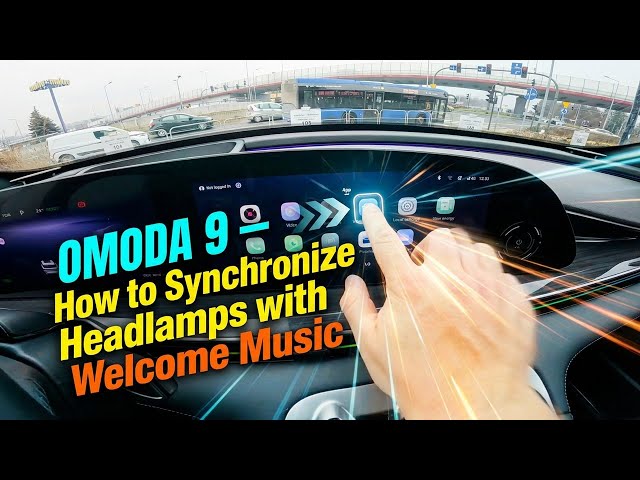

OMODA 9 – How to Synchronize Headlamps with Welcome Music
Jan 10, 2026

In this short video I show how to synchronize the OMODA 9 headlamps with the welcome music using the built-in Music Rhythm setting. You will learn how to check the screen display, open Vehicle settings, find Headlight settings and switch on Music Rhythm so the lights pulse with the car’s welcome chime. This simple step will let your OMODA 9 light up in time with the music for a nicer welcome effect and mood lighting.
How to synchronize headlamps with welcome music on OMODA 9?
How to find Music Rhythm in OMODA 9 vehicle settings?
How to enable headlight synchronization on OMODA 9?
0:00 Introduction – what we’ll do
0:07 Check the screen display on the OMODA 9
0:12 Open Vehicle Settings → Headlight Settings
0:20 Enable Music Rhythm to sync lights with music
0:28 Test the welcome music sync and wrap up
#OMODA9 #HeadlampSync #WelcomeMusic #CarLighting
Find out more:
https://www.hardreset.info/devices/omoda/omoda-9/how-to-synchronize-headlamps-with-welcome-music/
Follow us on Instagram ► https://www.instagram.com/hardreset.info
Like us on Facebook ► https://www.facebook.com/hardresetinfo/
Tweet us on Twitter ► https://twitter.com/HardResetI
Show More Show Less