
OMODA 9 – How to Enable Rear Cross Traffic Assist
Jan 12, 2026

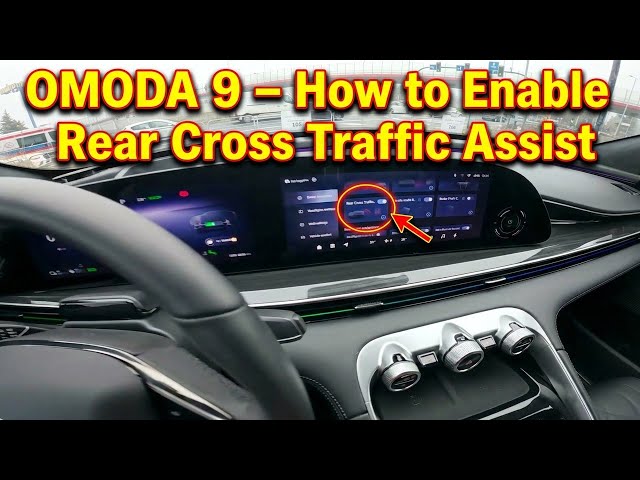
In this short video we show how to enable and disable Rear Cross Traffic Assist on the OMODA 9. You will see the vehicle screen display, how to open Vehicle Settings, find the Rear Cross Traffic Assist option and toggle it on or off. This improves reversing safety by alerting you to crossing traffic when backing up and is easy to set up in seconds.
How to enable Rear Cross Traffic Assist on OMODA 9?
How to disable Rear Cross Traffic Assist on OMODA 9?
Where is Rear Cross Traffic Assist in OMODA 9 Vehicle Settings?
0:00 Intro
0:08 Screen display overview
0:12 Open Vehicle Settings
0:18 Find Rear Cross Traffic Assist
0:20 Toggle enable / disable
0:22 Wrap up and tips
#OMODA9 #RearCrossTrafficAssist #CarSafety #HowTo
Find out more:
https://www.hardreset.info/devices/omoda/omoda-9/how-to-enable-rear-cross-traffic-assist/
Follow us on Instagram ► https://www.instagram.com/hardreset.info
Like us on Facebook ► https://www.facebook.com/hardresetinfo/
Show More Show Less