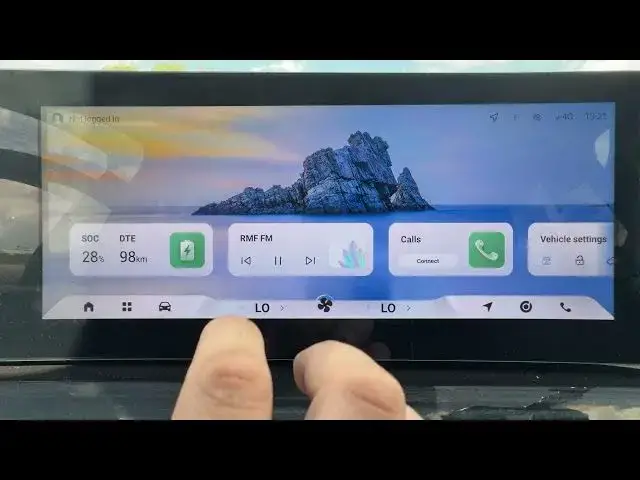

OMODA 5 EV – How to Manage Voice Assistant Permissions
Jul 2, 2026

Learn how to manage voice assistant permissions on the OMODA 5 EV. This short, clear video shows exactly where to go in the car menu to allow or revoke microphone, location and address book access so the built-in voice assistant can work properly while keeping your privacy. Follow simple steps: Menu → Local Settings → Voice → Privacy Permission Settings. Authorize or remove permissions for Microphone, Location and Address Book to fix voice command issues or limit access. If this helped you, please like, comment and subscribe for more OMODA 5 EV tips.
How to manage voice assistant permissions on OMODA 5 EV?
How to allow microphone permission on OMODA 5 EV voice assistant?
Where is the privacy permission settings for voice on OMODA 5 EV?
0:00 Intro
0:07 Open Menu → Local Settings
0:14 Go to Voice → Privacy Permission Settings
0:20 Authorize Microphone, Location, Address Book
0:26 Finish & Quick Tip
#OMODA5EV #VoiceAssistant #VoicePermissions #CarSettings
Find out more:
https://www.hardreset.info/devices/omoda/omoda-5-ev/
Follow us on Instagram ► https://www.instagram.com/hardreset.info
Like us on Facebook ► https://www.facebook.com/hardresetinfo/
Tweet us on Twitter ► https://twitter.com/HardResetI
Show More Show Less #Science