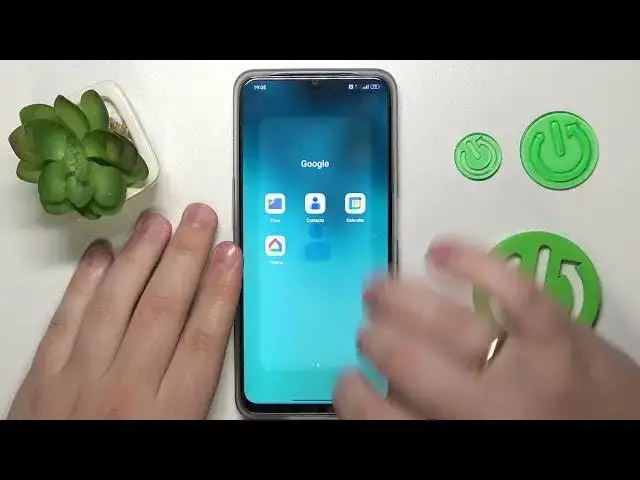

Never Lose a Contact Again! The Ultimate Guide to Import Contacts on an Oppo Phone
Aug 1, 2024

More Oppo Phones and Devices Tips&Tricks: https://www.hardreset.info/devices/oppo/
Welcome to our latest tutorial on "How to import contacts from SIM card on an Oppo phone". Are you new to the Oppo ecosystem or recently got a new SIM card and puzzled about how to transfer all your precious contacts? Don't worry, we've got you covered. This comprehensive tutorial will unveil the simplest and most efficient methods to import your contacts, so you can continue reaching out to your loved ones without skipping a beat. Using real-time video, we'll walk you through every detail of the process, demonstrating on an Oppo phone to ensure the instructions are as applicable and user-friendly as possible. Our goal is to empower you with the technical know-how and confidence to manage your contacts like a pro. Regardless of whether you're tech-savvy or a novice, we believe everyone should be able to harness the full potential of their devices, and this video is designed to do just that. We invite you to sit back, grab your Oppo phone, and get ready for a straightforward, step-by-step guide that will make importing contacts from your SIM card a breeze.
#OppoContactsImport #SIMtoPhone #techtutorials
How to manage duplicate contacts after importing?
How to import specific contacts from a SIM card on an Oppo phone?
How to export contacts to a SIM card on an Oppo phone?
How to sync contacts from your Oppo phone to your Google account?
How to delete imported contacts on an Oppo phone?
Follow us on Instagram ► https://www.instagram.com/hardreset.info
Like us on Facebook ► https://www.facebook.com/hardresetinfo/
Tweet us on Twitter ► https://twitter.com/HardResetI
Support us on TikTok ► https://www.tiktok.com/@hardreset.info
Use Reset Guides for many popular Apps ► https://www.hardreset.info/apps/apps/
Show More Show Less #Networking
#Software