
Never Get Lost Again: How to Download Maps on Google Maps - Use Google Maps Offline
Jul 27, 2024

Best Tips & Tricks to use in Google Maps: https://www.hardreset.info/devices/apps/apps-google-maps/
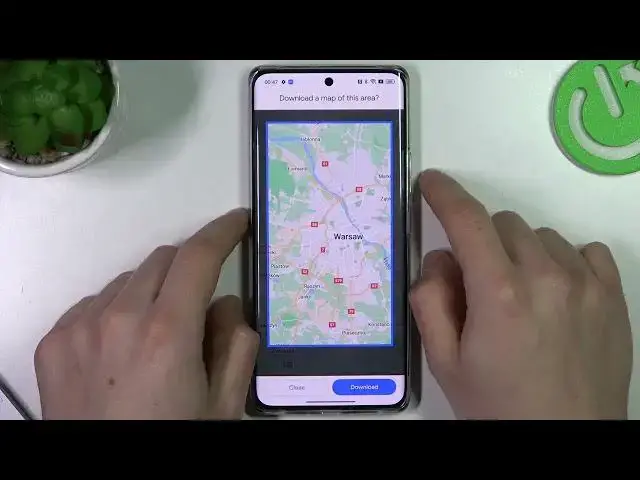
Are you tired of being lost in unfamiliar places? Want to make sure you always have access to maps, even when you don't have an internet connection? Look no further than the power of Google Maps! In this video, we'll show you how to download maps of any area in English, so you can navigate with ease no matter where you are. First, open the Google Maps app on your device. Next, search for the area you want to download. Once you've found the location, tap on the menu button in the top left corner. From there, select "Offline Areas" and then "Custom Area." You can then adjust the boundaries of the area you want to download. Once you're happy with the selection, tap "Download." The map will then download to your device, giving you access to it even when you don't have an internet connection. You can also access your downloaded maps by going to "Offline Areas" in the menu.
How to download Google Maps to use them offline later?
How to use Google Maps navigation offline?
#googlemaps #googlemapsscarythings #googlemapssecrets
Follow us on Instagram ► https://www.instagram.com/hardreset.info
Like us on Facebook ► https://www.facebook.com/hardresetinfo/
Tweet us on Twitter ► https://twitter.com/HardResetI
Support us on TikTok ► https://www.tiktok.com/@hardreset.info
Use Reset Guides for many popular Apps ► https://www.hardreset.info/apps/apps/
Show More Show Less