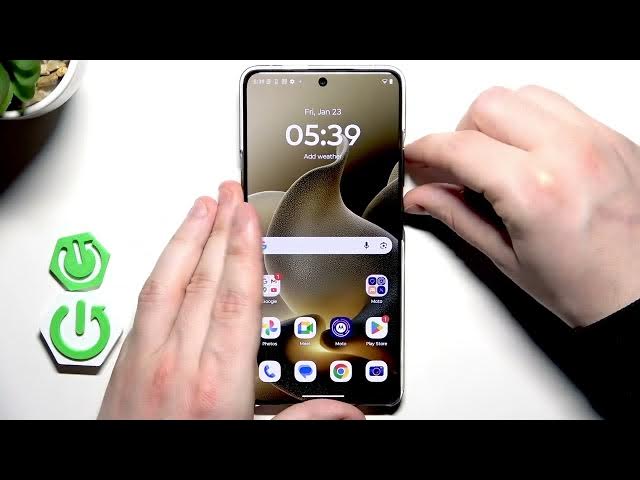

MOTOROLA Signature – How to Reboot
Jan 28, 2026

This short video shows how to reboot your MOTOROLA Signature quickly and safely. You will learn how to open the power menu by pressing the Power key and Volume Up together, choose Restart, and wait for the phone to boot back to the home screen. This simple restart can fix slow performance, app crashes, or minor software glitches and is the first step before trying more advanced troubleshooting.
How to reboot MOTOROLA Signature?
How to force restart MOTOROLA Signature if it becomes unresponsive?
Where is the Restart option on MOTOROLA Signature?
0:00 Intro – what we will do
0:03 Open the power menu (press Power + Volume Up)
0:15 Select Restart from the power menu
0:23 Wait for the phone to reboot and return to home screen
0:29 Done – tips and wrap up
#Motorola #MotorolaSignature #Reboot #HowTo
Find out more:
https://www.hardreset.info/devices/motorola/motorola-signature/
Follow us on Instagram ► https://www.instagram.com/hardreset.info
Like us on Facebook ► https://www.facebook.com/hardresetinfo/
Tweet us on Twitter ► https://twitter.com/HardResetI
Show More Show Less