0:00
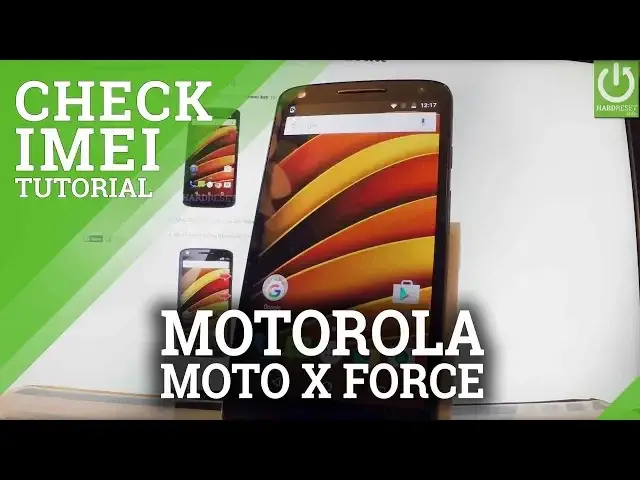
Here I have Moto X4 so let me show you all methods of checking email number on the following phone
0:09
At first let me use a secret code so let's open the phone's dialer and here you should
0:14
input the following code. Star hash 06 hash. As you can see the window with the email number just pops up
0:22
To close this window simply tap OK. Now let's go to main menu and let me show you another way of checking email number
0:29
So let's tap apps icon, find and select settings right here, scroll down to the bottom of the
0:34
list and select about phone. Then you have to choose status it's the second option
0:40
Here you have scroll down and choose email information right here. And as you can see the email number just pops up
0:48
Now let me show you the manual way of checking email number. So let's lock the screen and all you have to do is open the following tray
0:58
You have to use some tiny tool or special tool from Motorola and push this little hole
1:05
You can remove the whole tray. Excellent. And here you should find the information about your email number
1:16
It's written with really tiny letters but of course it's easy to read this. Excellent
1:23
Now let me close the tray. Push it to the end. Make sure it's used your device
1:32
And now you can use your phone. Thank you for watching. Please subscribe our channel and leave thumbs up under the video