0:00
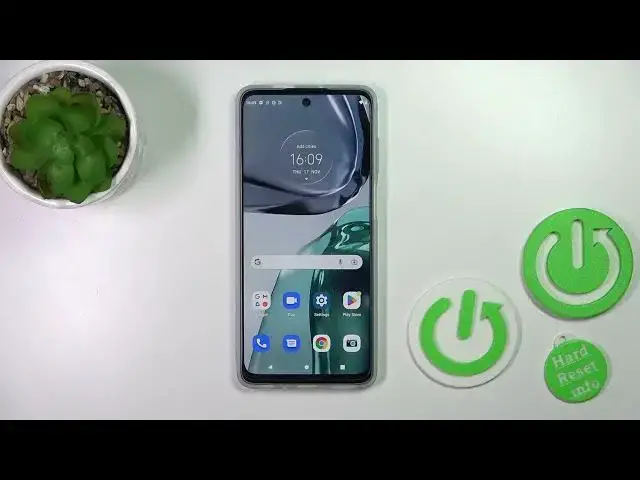
Hi! Today I'm recording with Motorola Moto G62 and I'll show you how to hide developer options on this device
0:09
So first let's open the settings application and then scroll down to the system section
0:16
If developer mode is activated you'll see the developer options section here
0:20
and just to hide the developer options we should click only once on the switcher
0:25
After that when we'll go back to the system section we can see that the
0:29
developer options section successfully turned off. So that's it! Thank you for watching and if
0:35
you find this video helpful don't forget to leave a like, comment and to subscribe our channel