0:00
Welcome. In front of me is a TicWatch Pro 3 Ultra GPS which is a hand
0:06
mouthful but anyway I'll go over unboxing today of this product. And just a quick look at maybe first the back of it which gives us several different
0:18
informations about this device. So number one and probably the most important one it's running a
0:23
Snapdragon Wear 4100. So it should you should give you a decent battery life here. I think
0:31
this should be like one of the newer ones so it should be pretty good. It gives us a battery of
0:37
up to 72 hours of battery on smart mode whichever that one is and 45 days in essential mode. Now
0:46
essential mode will probably show you only just like the time. You have 20 plus professional
0:52
workout modes IP68 so water and and I think dust resistant so you can swim in it though it doesn't
1:01
really say to what kind of depth. You have Google Assistant, some kind of monitoring, GPS, dual display
1:12
So So it looks like this one might be the watch with the like that old school display the LCD
1:25
one that just kind of showed like basic information and an actual OLED or LCD under dot which I did
1:32
see at one point. I've never actually seen it in person so I guess we'll find out how that looks like
1:39
Then we have some heart rate, Google Pay, so basically NFC in other words and a thousand plus
1:46
watch faces to choose on Google Play. So through Play Store I guess. Anyway let's just jump straight to it
2:01
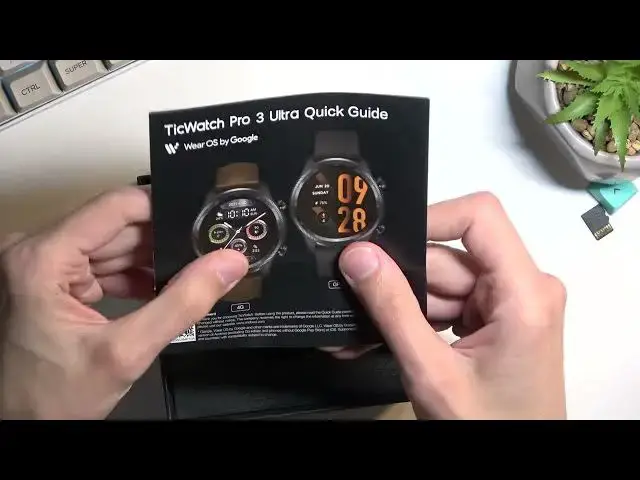
Whoops So I have this instruction just like weirdly placed right here
2:17
I'll just put that to the side and get a watch. I'm gonna unclip it right away
2:27
It is clipped pretty tightly. There we go. And I will turn it on so you can kind of see the display itself. I mean I know how to turn it on
2:52
Come on there isn't that many buttons. Okay so it's not turning on. Anyway let's move over to charging cable right here
3:07
And just an instruction. So that's basically all we get in here. Now I'm gonna quickly try to
3:16
try and make this work. Hopefully by plugging it into charging this hopefully solves the problem
3:24
But I guess we'll find out in a jiffy. There was a vibration
3:46
But it just shows you a charging. So I think it's completely dead unfortunately so I have no way of
3:52
showing anything here. Now anyway I guess this would conclude this video strictly on unboxing
3:58
And if you found this video helpful don't forget to hit like, subscribe and thanks for watching