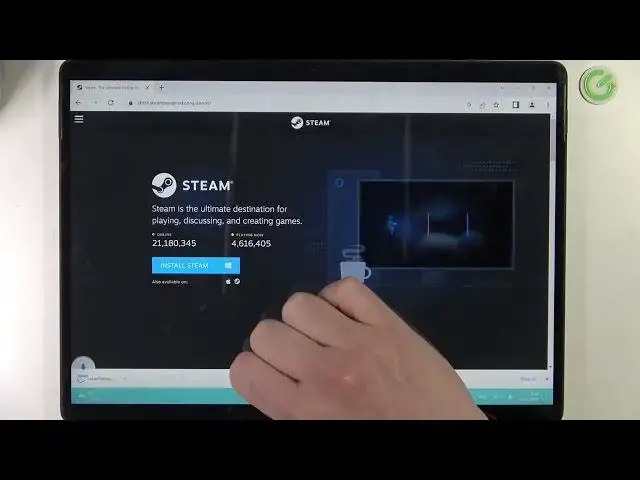

Microsoft Surface 8 Pro - How To Download Steam
Mar 26, 2024

Check more info about Microsoft Surface Pro 8 :
https://www.hardreset.info/devices/microsoft/microsoft-surface-pro-8/tutorials/
To download Steam on the Microsoft Surface Pro 8, follow these steps:
Open a web browser on your Surface Pro 8 and go to the Steam website. You can access the Steam website by typing "store.steampowered.com" in the address bar.
Once you are on the Steam website, click on the "Download Steam" button to download the Steam installer.
The Steam installer will be downloaded to your Surface Pro 8 and you can find it in the "Downloads" folder or in the "Action Center" notification area.
To install Steam, double-click on the installer and follow the on-screen instructions to complete the installation process.
Once Steam is installed, you can launch the app and log in to your Steam account, or create a new account, to access the Steam store and the Steam community.
You can browse the Steam store and search for games, software, and other content, and download and install the items you want to use on your Surface Pro 8.
Keep in mind that Steam is a digital distribution platform for games and software, developed by Valve Corporation. You can download Steam on your Surface Pro 8 from the Steam website and install it using the installer. Once Steam is installed, you can access the Steam store and the Steam community, and download and install games, software, and other content on your Surface Pro 8. You should consider the performance and battery life implications of using Steam and downloading content on your Surface Pro 8.
How to get steam on MICROSOFT SURFACE PRO 8 ?
Can i get steam on MICROSOFT SURFACE PRO 8 ?
Show More Show Less