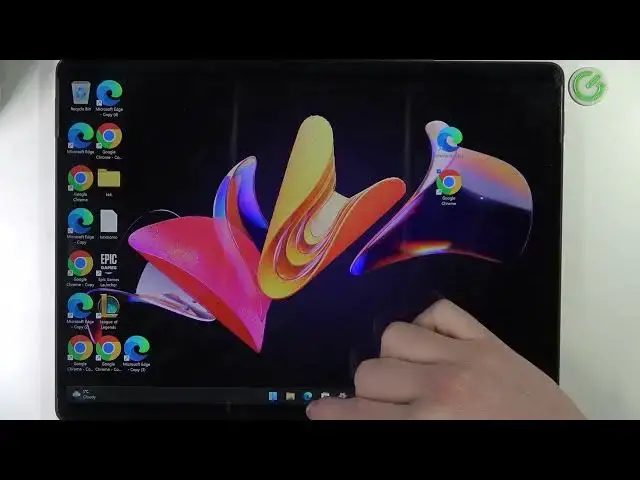

Microsoft Surface 8 Pro - How To Download Minecraft
Mar 26, 2024

Check more info about Microsoft Surface Pro 8 :
https://www.hardreset.info/devices/microsoft/microsoft-surface-pro-8/tutorials/
To download Minecraft on the Microsoft Surface Pro 8, follow these steps:
Open a web browser on your Surface Pro 8 and go to the Minecraft website
Click on the "Download" button on the homepage to download the Minecraft installer.
Once the download is complete, open the installer and follow the on-screen instructions to install Minecraft on your Surface Pro 8.
Once the installation is complete, launch Minecraft from the Start menu or the desktop shortcut.
Create an account or log in to your existing account to start playing.
Keep in mind that the performance of Minecraft on the Surface Pro 8 may not be as good as on a dedicated gaming device. You may need to adjust the graphics settings to get a smooth and enjoyable experience.
How to get Minecraft on MICROSOFT SURFACE PRO 8 ?
How to download Minecraft for MICROSOFT SURFACE PRO 8 ?
How to install Minecraft MICROSOFT SURFACE PRO 8 ?
Can i play Minecraft on MICROSOFT SURFACE PRO 8 ?
Show More Show Less