0:00
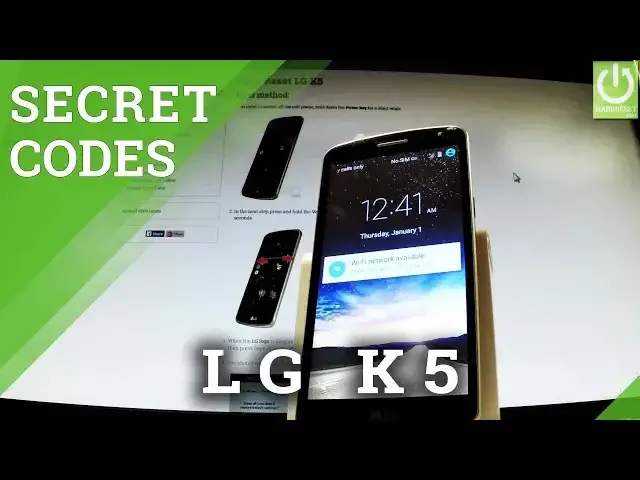
Here I have LG Key5 and let me show you how to use secret codes that works on this device
0:10
At first let's unlock the screen and let's open the phone's dialer
0:15
Now you have to activate keyboard and let's start with the following secret code
0:21
Star hash star hash four six three six hash star hash star
0:27
As you can see a testing menu just pops up. You can choose from the following menu for example phone information, when you have all
0:34
specification of your device. From the following step you can run a ping test or for example turn off the radio
0:43
Let's go back to main menu and choose battery information. Here you can read important stuff about your battery
0:52
You can read a battery level, battery scale or even a battery temperature
0:57
Let's go back and now let's use usage statistics. Here you have all important stats about your application
1:05
You can read the last time used or the usage time. If you would like to go back you can choose Wi-Fi information
1:15
And here you have Wi-Fi config, Wi-Fi IP and Wi-Fi status. Let's choose Wi-Fi status
1:23
Here you've got stats about your network settings. You can refresh them or run a ping test from the following point
1:30
Let's go back to the phone's dialer and now let me show the most popular secret code which
1:36
is star hash zero six hash. And as you can see the email number just pops up
1:42
You can read the following number or just tap OK to close the following window
1:47
Thank you for watching. Please subscribe our channel and leave thumbs up under the video